

A successful EPOS setup begins before the till is placed on the counter. Your product information, staff responsibilities, equipment position and everyday sales routine all affect how useful the system will be. Preparing those details makes installation a business handover rather than a last-minute attempt to decide how the shop or venue should operate.
This guide concerns First Essential's own supplied and supported EPOS offering. It explains what to prepare, what to agree in writing and what to test before regular trading begins. Work on another provider's EPOS is outside this service scope; businesses retaining such a system should speak with that provider about it.
The First Essential point-of-sale service is the starting point for confirming which equipment, functions and support fit your business. Your final configuration and commercial arrangements belong in the written offer.
Contents
1. Start with the way your team serves customers
Write down a normal transaction from greeting to completion. How does the customer choose an item? Who enters it? Are there options, quantities or table details? Who checks that the sale is complete?
Repeat this for the situations that differ: an item is unavailable, a customer changes an order, a colleague needs authorisation or the normal operator is absent. These examples reveal the decisions your EPOS setup needs to support.
The GOV.UK Service Manual's user needs guidance encourages understanding what people need to accomplish. For your till, talk to the people serving customers rather than relying entirely on the owner's description. A Saturday shift may expose different needs from a quiet weekday.
Our plain-English EPOS explanation provides background. The installation discussion should then focus on your actual sales routine and agreed First Essential features.
2. Define the first installation's scope
List the locations, counters and staff groups included in the first release. Agree which tasks should be operational on day one and which additions can follow later.
An EPOS setup for one counter with a straightforward product list needs different preparation from a venue with several service areas. Do not assume that an extra screen, printer or ordering route is included because you have seen it demonstrated elsewhere. Each item should appear in the confirmed equipment and configuration list.
| Preparation area | Business provides | Confirm with First Essential |
|---|---|---|
| Sales routine | Normal transactions and exceptions | Supported day-one functions |
| Products or menu | Approved names, categories and prices | Import format and configuration scope |
| Equipment position | Counter layout and access | Supplied items and installation requirements |
| Staff | Operators, supervisors and availability | Agreed permissions and training |
| Reporting | What the manager needs to check | Available reports and review process |
The EPOS selection checklist can inform the requirements. Finish with a written scope so each person understands what installation is intended to achieve.
3. Prepare one approved product or menu list
Give the product list a named owner and a version date. Include clear item names, categories, selling prices and any agreed options needed for the supplied configuration. Resolve duplicates and outdated items before the installation team works from the file.
For your EPOS setup, consistency matters more than elaborate formatting. “Large coffee” and “coffee large” should not accidentally become separate products if they mean the same item. Staff need labels they recognise under pressure.
An illustrative, synthetic café example might group hot drinks separately from cold drinks, with approved sizes listed consistently. The manager checks the proposed items against the current menu before loading. This is a preparation example, not evidence of a particular customer's system or results.
Discuss stock information and EPOS only against the functions agreed for your offering. Clarify what the system records and what staff must count, receive or correct themselves. A product list does not automatically establish an accurate opening stock position.
4. Check the counter and equipment position
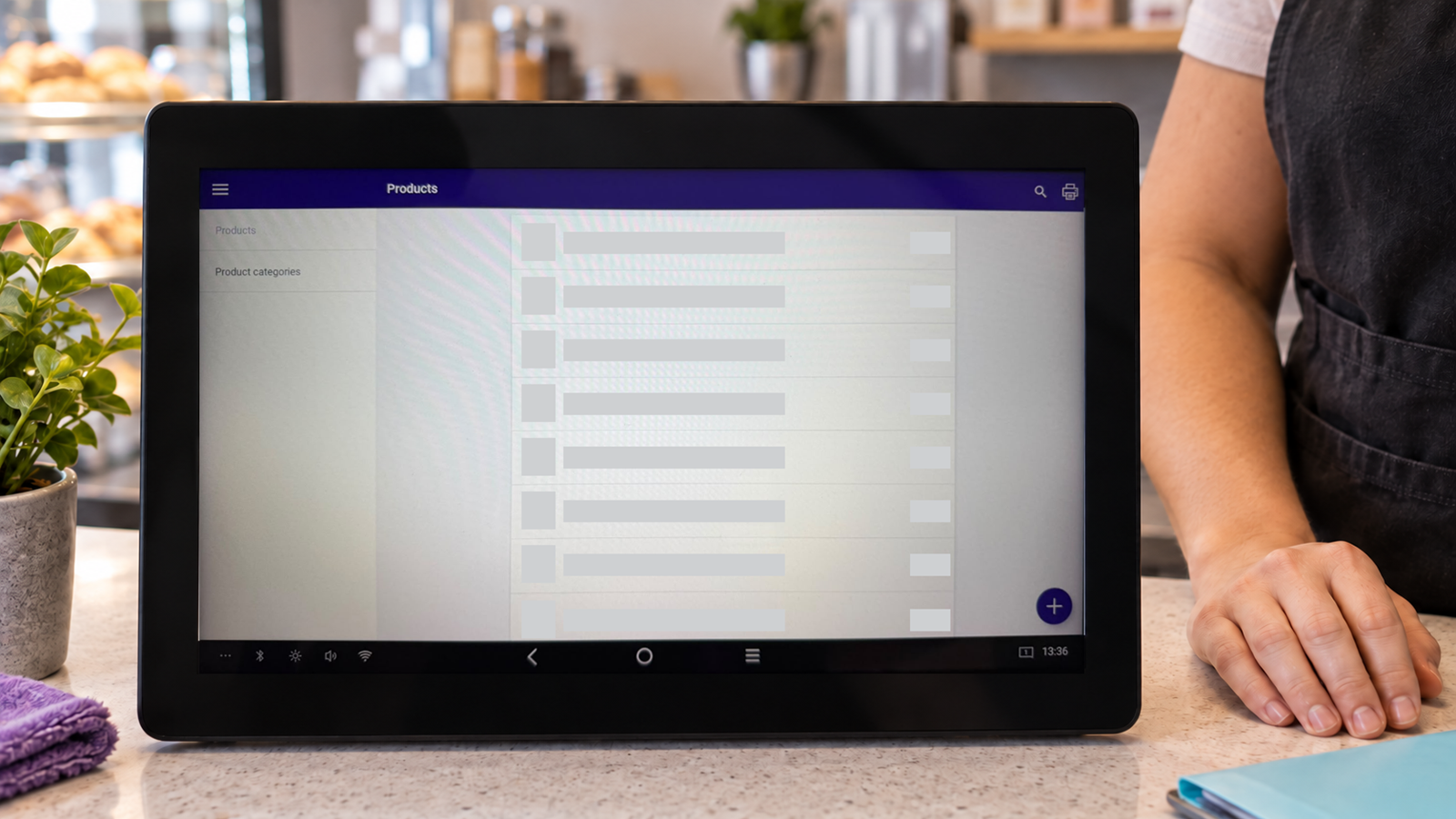
An EPOS setup should fit the workspace, the customer interaction and the operator's movement. Consider screen visibility, available counter space, access for cables and the position of any agreed peripherals. Keep spill risks, busy walkways and routine cleaning in mind.
HSE's electrically powered equipment guidance addresses damaged equipment and safe cable positioning. Electrical work needs an appropriately competent person. Do not improvise repairs or extend the installation scope into work somebody is not qualified to perform.
Its slip and trip prevention guidance highlights everyday workplace hazards. Include the area behind the counter, where staff move quickly and customers may not see trailing cables.
Where relevant, HSE's display screen equipment guidance helps businesses consider workstation use. The suitable arrangement depends on the work and how the equipment is used. Check the position during a realistic transaction, rather than judging it only from a tidy installation photograph.
5. Confirm connectivity and a realistic fallback
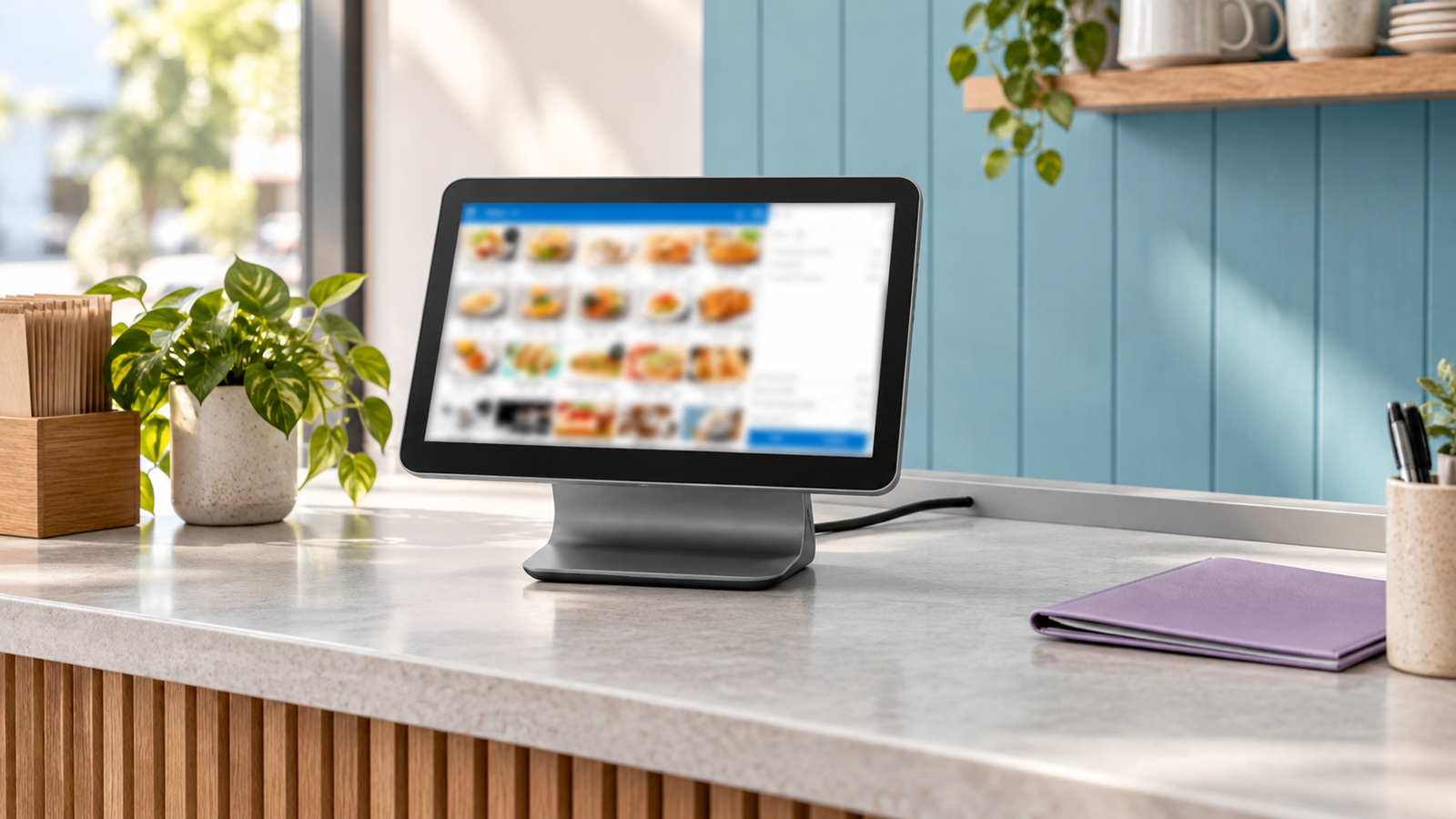
Ask what connection and power arrangements the proposed First Essential equipment needs. Check the actual installation area, since a connection that works in the office may behave differently behind the counter.
Your EPOS setup plan should explain what staff do if a normal function becomes unavailable. Identify who checks the problem, what information to record and how the business handles customers while it is unresolved. Do not assume every function works offline or that a payment can be accepted during an outage.
If a separately supported connection forms part of the order, define its information flow and test it individually. The integrations service is a route for agreed supported work, not permission to configure another provider's till.
Record a fallback that fits the confirmed service and payment arrangements. Staff should understand the difference between writing down a customer request, recording a sale and establishing that a payment succeeded.
6. Agree staff responsibilities and access
Identify ordinary operators, supervisors and the person who maintains the product list. Decide who is allowed to approve the actions relevant to the supplied configuration, such as a correction, price change or refund procedure.
For a useful EPOS setup, permissions should reflect those responsibilities. Staff need to know when to ask a supervisor and how to identify the transaction under discussion. Shared responsibility without a clear approval route can turn an ordinary exception into a queue at the counter.
The NCSC's small organisations cyber security guidance provides a foundation for account security. Confirm the account arrangements for your actual deployment, including the process when somebody leaves or changes role.
First Essential One serves a separate role in customer and sales workflows. The EPOS and CRM comparison helps explain that distinction. Do not use a CRM task as a substitute for the till procedures your staff need to learn.
7. Build training around real transactions
Training should let staff practise the agreed tasks themselves. Watching a demonstration is useful, but it does not show whether a new operator can complete an order, recognise a mistake or request help.
Include normal sales, agreed item options, a corrected entry and the supervisor route. Keep practice activity distinguishable from live transactions using the supported training approach. Confirm how practice records affect any reporting before the session starts.
The Service Manual's in-depth interview guidance can help you explore how staff currently work. Its moderated usability testing guidance centres on observing people perform tasks. Apply that principle to training: give a realistic task, observe the attempt and clarify the difficult step.
Schedule people who work different shifts. Your EPOS setup is more resilient when the person covering lunch or absence knows the same basic procedure as the regular operator.

8. Test the agreed configuration before regular trade
Prepare a short test sheet with an expected result beside each task. Check that approved items, prices and categories appear correctly. Confirm the functions included in the supplied configuration rather than testing features that have never been agreed.
Run a representative sale using the authorised test procedure. Check what appears on the screen, any agreed printed output and the relevant report. Then check an ordinary exception with a supervisor involved.
Your EPOS setup test should also cover handover between staff. Can the next person understand the current state without repeating the transaction? Do they know what to do if they are uncertain whether a step completed?
HSE's work equipment inspection guidance links inspection needs to risk assessment. Keep physical safety checks separate from software acceptance, while recording both where relevant. A correct product screen does not establish that the equipment is safely positioned.
9. Understand the reporting routine
Decide which reports the manager will review and why. Useful questions include whether sales appear under the correct categories, whether corrections have an explanation and whether staff can identify transactions needing further review.
Our daily EPOS reporting guide provides context for an operating routine. For your EPOS setup, confirm the reports actually available and the meaning of each figure. A sale, a payment status and a bank settlement are different records and may have different timings.
Choose one person to check the first trading period and record inconsistencies. Start with a few checks the business can maintain. A large reporting pack that nobody reads gives less help than a consistent daily review of the items that matter.
Correct the underlying product or procedure when a pattern emerges. Repeated unexplained corrections may indicate confusing labels, insufficient training or a configuration decision that needs review.
10. Keep payment support and EPOS support clear
First Essential explains its supplied EPOS and separately agreed support. It does not act as the customer's payment processor. Card processing is supplied by the payment provider under your direct contract with it. The merchant account and card terminal are in the customer's name, and account or terminal issues should be raised by that customer directly with the payment provider.
Before launch, keep the relevant contacts and responsibilities in the handover. For a payment issue, staff need the agreed route to the account holder and provider. First Essential can point the customer towards the appropriate contact, while the provider controls the account and device resolution.
For EPOS setup and the agreed First Essential service, record the support scope and the information needed to describe a problem. Our usual support hours are Monday to Friday, 08:00 to 18:00 UK time; any additional arrangement needs explicit agreement.
The questions to ask about a payment contract are a separate commercial reference. Rates, fees, device arrangements, settlement and terms should be confirmed in the customer's written offer.
11. Plan costs, timing and handover
The scope determines the quote: supplied hardware, configuration, locations, training, installation work and agreed ongoing services. Avoid estimating your project from an unrelated demonstration or a headline device figure.
Agree who supplies the approved product list and by when. Identify any dependencies that must be resolved before installation. A delayed counter alteration, unavailable staff member or unapproved menu may affect the planned date.
An EPOS setup handover should cover approved configuration, operating instructions, responsibilities, support contacts and outstanding items. Ask First Essential for the service terms alongside the particular written offer. Keep a record of what was accepted and what still needs work.
For the first trading period, review completion of the agreed tasks. The Service Manual's completion rate guidance distinguishes starting a task from finishing it. Your own measure might track operators completing a normal sale without assistance, using a defined training task rather than a vague impression of confidence.
12. Key takeaways
- Prepare one approved product list and a clear sales routine.
- Agree the supplied First Essential equipment and configuration scope.
- Check the workspace and name staff responsibilities.
- Practise normal transactions and exceptions before regular trade.
- Keep the payment provider's support responsibilities clear.
- Include handover and the first review period in the EPOS setup plan.
Frequently asked questions about EPOS setup
What should we prepare first for an EPOS setup?
Begin with the approved product or menu list and examples of everyday transactions. Then identify staff roles, the installation area and the manager responsible for decisions. These details give First Essential a basis for confirming the supplied configuration and preparation requirements.
Can First Essential configure our existing provider's till?
No. This service covers First Essential's own supplied and supported EPOS offering. If you retain another provider's EPOS, ask that provider about its configuration and support. Other supported non-EPOS integration work has a separate scope.
Is every feature included in an installation?
No assumption should be made from a general product description. Check the written equipment and configuration list. Locations, peripherals, functions and training should be specified for the particular installation.
Can we begin trading immediately after the equipment arrives?
Arrival is one step. The agreed configuration, preparation, tests and staff training must also be completed. Agree a realistic launch point rather than treating a delivery date as proof that the business is operationally ready.
Who handles card terminal or merchant account problems?
The customer contacts the payment provider directly because the terminal and account are in the customer's name. Keep the provider's contact route available. First Essential's own EPOS support remains defined by the separately agreed service.
How will we know the installation is helping?
Review the same practical tasks before and after launch: correct entry, understandable reports, staff confidence demonstrated through tasks and exception handling. Include training and correction time. Do not claim savings before you have measured the change in your own business.
Plan your First Essential installation
Contact First Essential with your sales routine, locations and installation priorities. We can confirm the appropriate supplied EPOS scope and the preparation needed for your business.
Author: David