
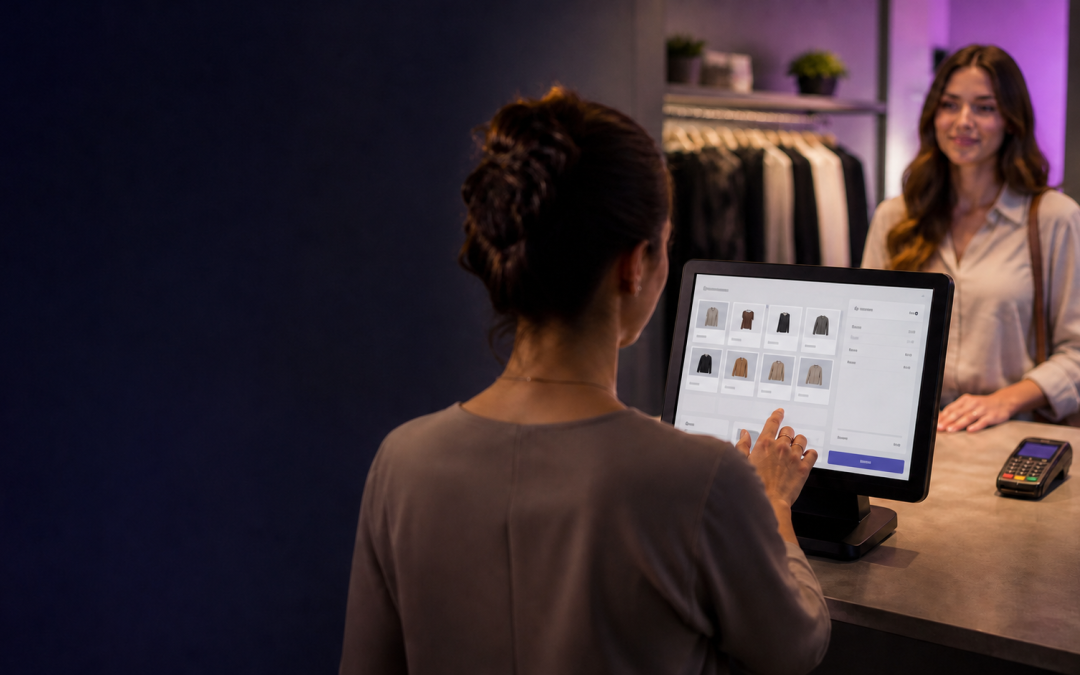
The Essential Guide: EPOS or All-in-One Platform — Which Do You Actually Need?
The epos vs crm platform question trips up a lot of growing businesses, mostly because the two get pitched as if they compete. They don't, not really. One rings up a sale; the other manages everything that happens before and after it. The confusion starts when a business only has budget or attention for one, and has to work out which matters more right now.
Contents
Epos vs crm platform: what these two things actually do differently
An EPOS system is built around the moment of sale — ringing items through, taking payment, tracking stock, printing a receipt. A CRM or all-in-one platform is built around the relationship — who your customers are, what they've bought before, how you follow up, and how they book or message you.
Neither replaces the other. A till with no customer record treats every sale as a stranger's; a CRM with no till still needs something to actually process the payment.
Most businesses eventually need something of both. The real question isn't whether to have EPOS or a platform — it's which one solves the problem that's actually costing you time or money today, and which can reasonably wait.
What an EPOS system actually gives you
For any business taking payment across a counter, a proper till system is the operational core everything else sits on top of.
Speed at the point of sale
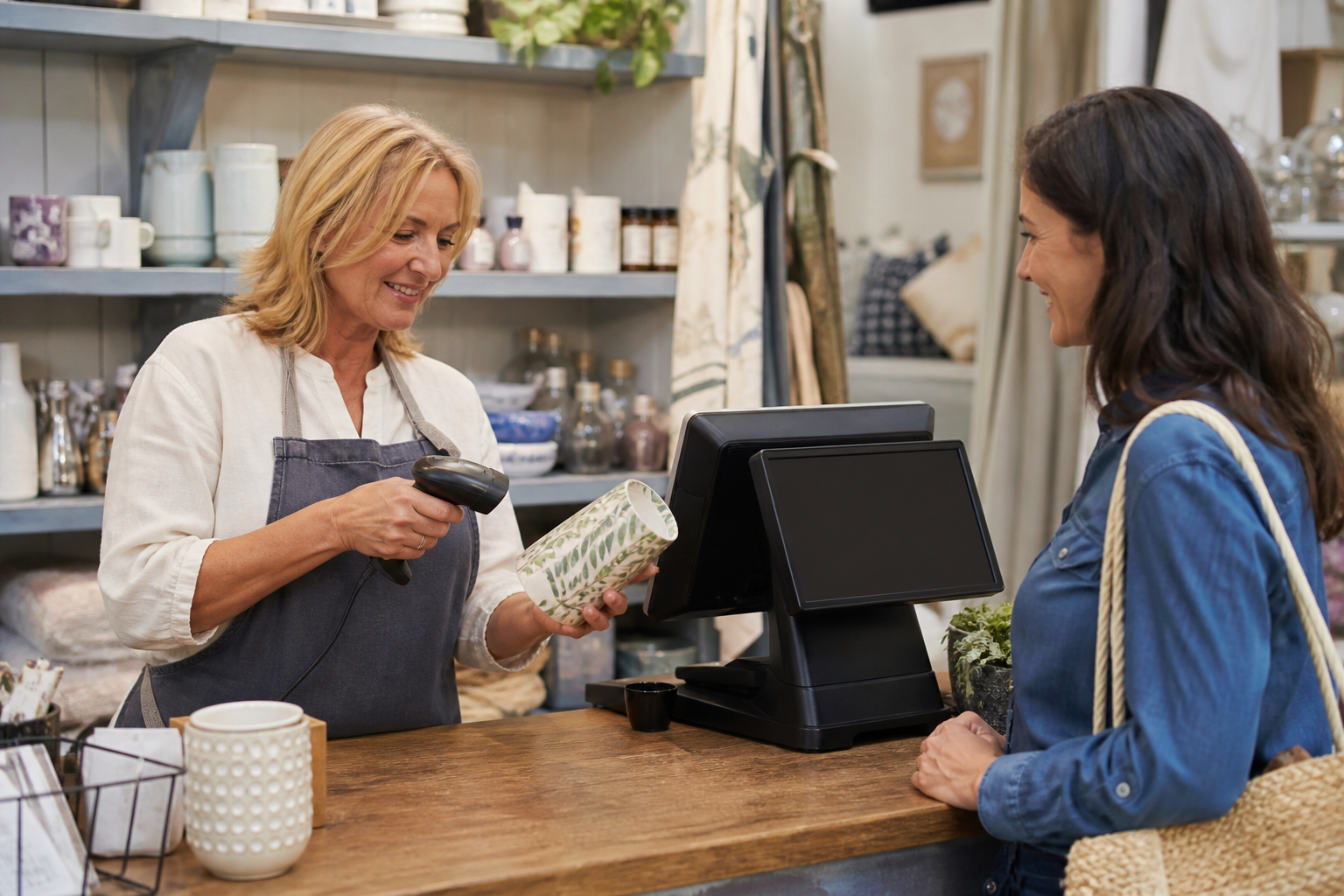
A proper EPOS rings a sale through in seconds, splits bills, applies discounts and totals a card payment without a second device. During a genuine rush, that speed is the difference between a queue that moves and one that visibly doesn't.
Live stock control
Stock levels update the moment something sells, which matters the instant a business carries more than a handful of product lines. Nobody has to count shelves by hand to know what's actually running low.
Staff and shift accountability
Individual staff logins mean every sale, refund and till-drawer discrepancy is traceable to a person, not a guess. That accountability alone often pays for the system within the first few busy weeks.
What an all-in-one platform gives you that EPOS doesn't
A platform like First Essential One covers the parts of the business that happen outside the till entirely — a shared inbox for messages across channels, online booking, email and SMS marketing, and a CRM record that follows a customer across every visit, not just the last one.
This is where the epos vs crm platform question usually resolves itself: a business with repeat, relationship-driven customers — a salon, a clinic, a driving school — leans harder on the platform side. A high-volume counter business leans harder on EPOS.
How they work together day to day
In practice, the strongest setup runs both, connected. A sale rings through the till; the same purchase updates the customer's record in the platform; a follow-up message or loyalty offer goes out automatically because the two systems share one source of truth instead of two disconnected ones.
That's the version worth aiming for even if a business starts with only one side. Buying with the other in mind — checking it can eventually connect — avoids a second, disruptive migration a year or two later.

Comparing EPOS and an all-in-one platform
Laid out side by side, the right starting point usually depends on where the business is actually losing time or money today.
| System | Best suited to | What to check |
|---|---|---|
| EPOS only | High-volume counter sales, simple customer relationships | Does it handle your actual product range and staff count? |
| All-in-one platform only | Booking or service businesses without a physical till | Does it handle payments, or just messaging and booking? |
| Both, connected | Most growing businesses with repeat customers | Do they actually share customer and sales data? |
Decide which customer moment is breaking first
- Does your business sell mostly across a counter, mostly by appointment, or a mix of both?
- How much do you currently know about a repeat customer beyond their last purchase?
- Would a shared inbox and automated follow-up actually change how customers come back?
- Are you currently running separate tools for till, booking and messaging that don't talk to each other?
- What would connecting them actually save your team in admin time each week?
Avoid creating a second place to type the same fact
The choice rarely stands alone. A card payment setup needs to work with whichever system takes the sale, a self-service kiosk often sits on top of the same EPOS backbone, and an AI assistant answering calls or messages is only genuinely useful if it can see the same customer record the rest of the business does.
What EPOS or a platform costs
Cost depends on transaction volume, staff headcount needing logins, and how many of the platform's modules — booking, marketing, CRM — you actually need from day one versus later. We build the package around the business rather than quoting a single figure for every setup.
Where either system takes card payments, the same FCA guidance on payment service providers and PCI Security Standards Council rules apply, and your own approach to invoicing and taking payment from customers is worth reviewing before comparing quotes. The Payment Systems Regulator's consumer information covers how that payment actually moves once a sale is rung through, whichever system took it.
A single self-employed owner reviewing their own self-employed position should weigh the ongoing subscription cost against the admin time both systems genuinely save — not just the sticker price on a quote.
Three false either-or choices
Most epos vs crm platform decisions go wrong for one of these avoidable reasons.
- Buying a powerful CRM platform when the business's real problem is a slow, error-prone till at the busiest point of the day.
- Buying EPOS alone for a booking-heavy business that actually needed customer relationship tools most, and only discovering the gap months in.
- Running both, but never connecting them, so staff still re-enter the same customer details twice for every transaction.
- Choosing on price alone without checking whether the two systems can actually talk to each other once installed.
- Assuming a bigger platform is automatically better, rather than matching the tool to how the business actually operates.
Signs you need both, not either
- Staff already keep an informal customer list outside the till because the till itself can't hold one.
- Repeat customers regularly have to re-explain who they are and what they bought last time they visited.
- Marketing and till reporting live in two completely separate spreadsheets that nobody reconciles.
- You've outgrown manual follow-up messages but haven't automated them because there's nowhere for that data to live.
- A second location has opened and nobody can say, without checking two systems, how the business is actually performing.
Protecting business and customer data
Whichever system holds it, customer data — purchase history, contact details, booking records — falls under the UK GDPR and Data Protection Act 2018. The NCSC's small organisations guide covers the account and device security both an EPOS till and a CRM platform depend on day to day.
Epos vs crm platform by business type
Hospitality and retail
EPOS usually comes first here — speed and stock control at the counter matter most, with CRM and marketing added once the basics are solid. A busy kitchen or till queue exposes a slow system within days, long before customer relationship gaps become obvious.
Service and booking-based businesses
The platform side usually comes first — booking, messaging and a customer record matter more than a till for a service business without a physical counter. A salon, clinic or driving school lives or dies on repeat bookings, not on how fast a sale rings through.
Multi-site businesses
Both matter equally, and connecting them across every location through a multi-site system avoids each site building its own disconnected version of the same problem. Without that, head office ends up reconciling several different pictures of the same business every month.

Planning the rollout
Settling epos vs crm platform for your business takes a short, deliberate sequence rather than buying both at once and hoping they connect. Rushing the order — installing whichever system is easiest to buy rather than the one solving the real problem — is the single most common cause of regret six months later.
- Identify which system is actually causing today's biggest headache — the till or the customer relationship.
- Start there, and only add the other once the first is genuinely working.
- Check data actually flows between the two before relying on that as a selling point.
- Brief staff on the new process before launch, not during the first busy week.
Under the general consumer protection rights that apply to any UK sale, how you record a transaction internally doesn't change what a customer is entitled to — so choose the setup that suits your operations, not one built to impress rather than function.
Check the handover, not only the dashboard
Track staff admin time, how often customer details get re-entered, and whether repeat business actually increases once follow-up is automated. The Citizens Advice guidance on resolving a purchase gone wrong is a useful check on how disputes get handled whichever system took the original sale.
Give it a full trading cycle — a week is rarely enough to judge whether an epos vs crm platform decision was right, especially for a business with a genuine weekly or monthly rhythm.
Questions worth asking a provider
Ask whether EPOS and the platform genuinely share one customer record, or whether "integration" just means exporting a spreadsheet once a week. That distinction matters more than almost any feature on a spec sheet, because it decides whether staff do double the admin or none at all.
Some of our published case studies cover businesses that made exactly this switch — talk to our UK team if it's easier to work through your own setup directly, bringing a normal trading week rather than a hypothetical one.
Draw the customer journey before buying either system
Put a real customer journey on paper: they discover the business, ask a question, book or visit, buy, receive a receipt, and may return. Mark where information is created at each stage. EPOS is strongest at the transaction and stock-facing end; a customer-management platform is strongest when follow-up, conversations, bookings and records need a home. The mistake is expecting one screen to solve every moment without defining the handovers.
For a café, start with orders and the rush at the counter. For a salon, begin with enquiries, appointment history and no-shows. For a retailer, begin with stock and repeat custom. The sector-specific setup matters because the correct first system depends on which gap is costing time now.
Use a short list of information that must not be typed twice: customer contact details, appointment status, sale totals, stock movements and follow-up tasks. Then compare each route against that list. The ICO’s guidance is useful when deciding who needs access to customer records and why.
Key takeaways
- EPOS handles the sale; a CRM platform handles the relationship — most growing businesses need both eventually.
- Revisit your epos vs crm platform setup whenever the business changes shape — a new site, a new service line, or a shift from walk-ins to bookings.
- Solve whichever is causing today's biggest problem first, then connect the second.
- There's no universal epos vs crm platform answer — only the right order for your business.
- Check that the two systems genuinely share data before counting that as a benefit.
Frequently asked questions about epos vs crm platform
Can I run an EPOS system without any CRM at all?
Yes, and plenty of high-volume counter businesses do — but you lose visibility of repeat customers as the business grows, which is usually the first thing owners notice missing once they compare epos vs crm platform setups against a competitor's.
Do I need a till if I only take bookings, not walk-in sales?
Not necessarily — a platform that handles booking and payment can cover a service business with no physical counter.
Is it more expensive to run both systems than just one?
It depends on the provider — some price EPOS and the platform separately, others bundle them, which is worth asking about directly.
How do I know if my two systems are actually connected?
Check whether a change in one — a new customer, an updated phone number — appears automatically in the other, rather than needing manual re-entry. If a staff member has to type the same detail twice, they're not genuinely connected yet, whatever the sales pitch called it.
Ready to work out which setup suits your business?
We can map your sales pattern and customer relationships before recommending EPOS, a platform, or both.