
AI Kiosk
An AI assistant on a screen at your premises. It greets visitors, answers their questions by voice or touch in over 100 languages, books appointments and brings in your team when a person is needed.
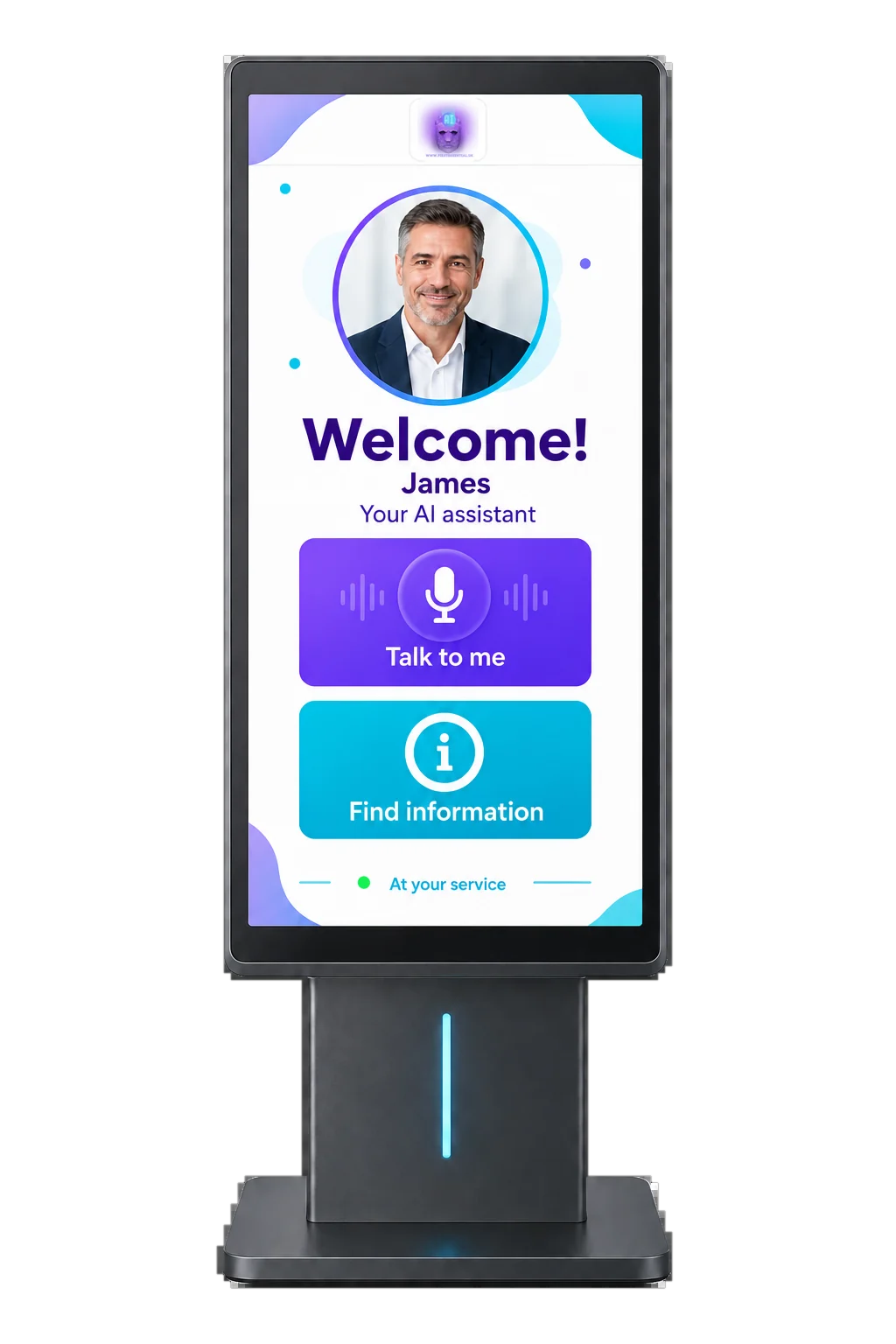
What an AI Kiosk does
- Greets visitors and answers their questions by voice or touch
- Speaks over 100 languages, so visitors can ask in their own
- Shows your services, opening times, products and prices from information you approve
- Books appointments and takes requests on the screen
- Gives directions around your building or site
- Brings in a member of your team when a person is needed
See it at work
Choose a place and watch a typical conversation on the kiosk screen.
- Visitors can talk to it or tap the screen, whichever suits them.
- It answers from your own information: your services, rooms, times and policies.
- It knows when to bring in a person, and you decide where that line is.
Illustration of a typical conversation, not a live demo.
How a visit works
A visitor walks up to the screen. There is no app to download and no need to wait at the desk.
Your assistant says hello, with the name, look and tone you choose for your business.
They speak or tap, in English or in their own language, the way they would ask a member of staff.
It answers from your information, gives directions or books an appointment in your calendar.
When a person is needed, it brings in your team, following the handover rules you set.
Where it helps
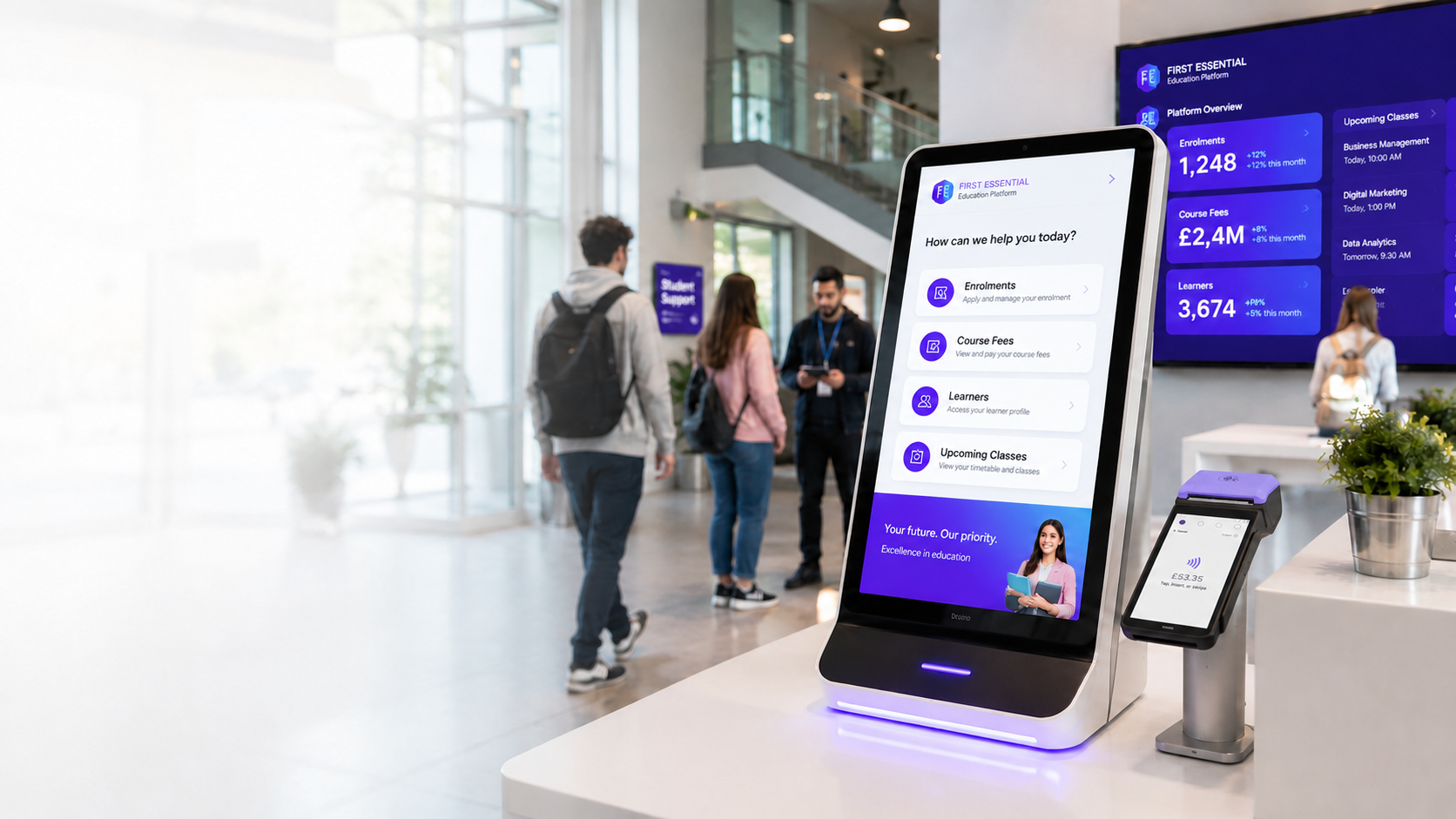
Visitors sign in, find the right room and get help while your reception team gets on with the rest of the day.
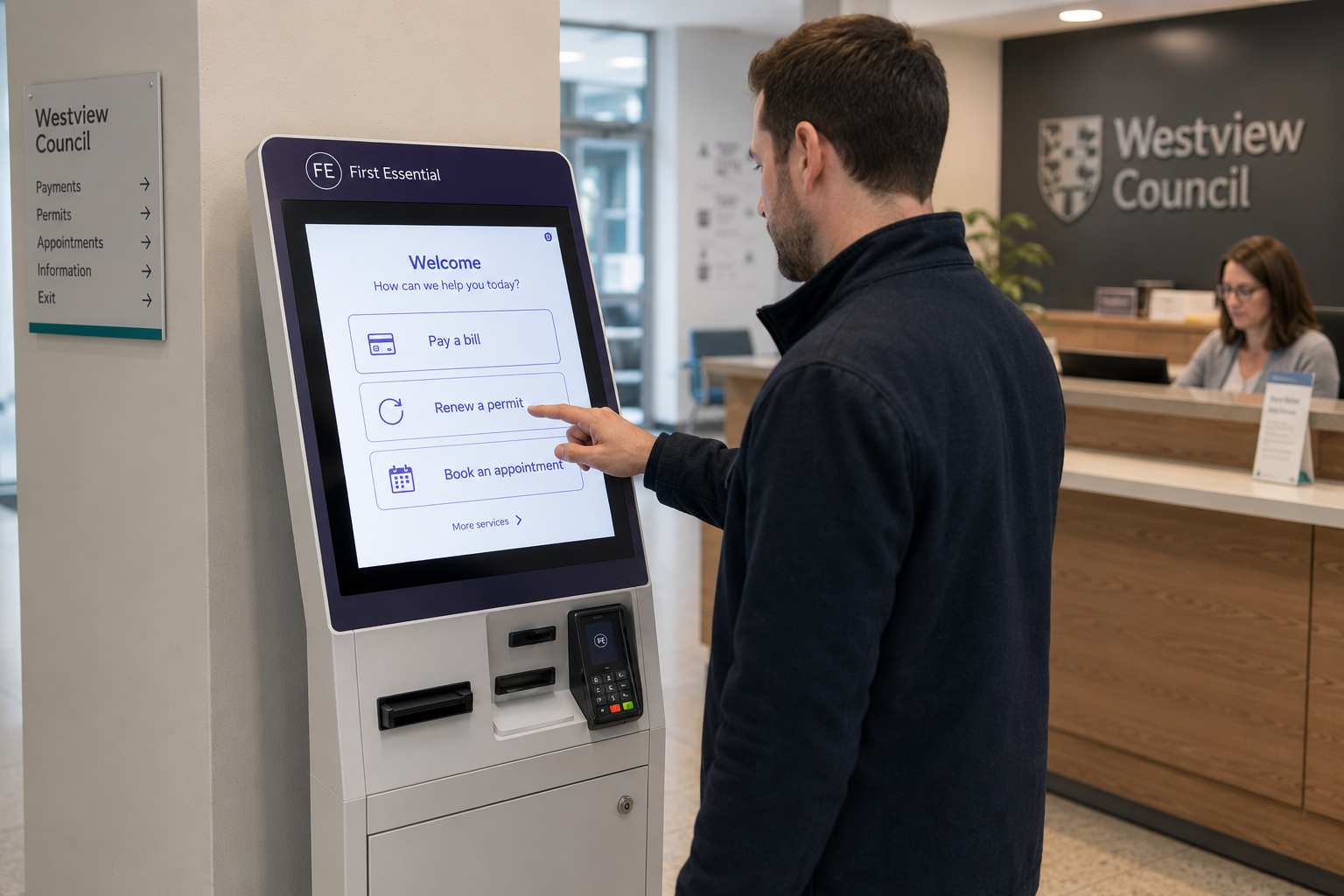
Common questions answered on the spot, in many languages, so desk staff can focus on the people who need them.
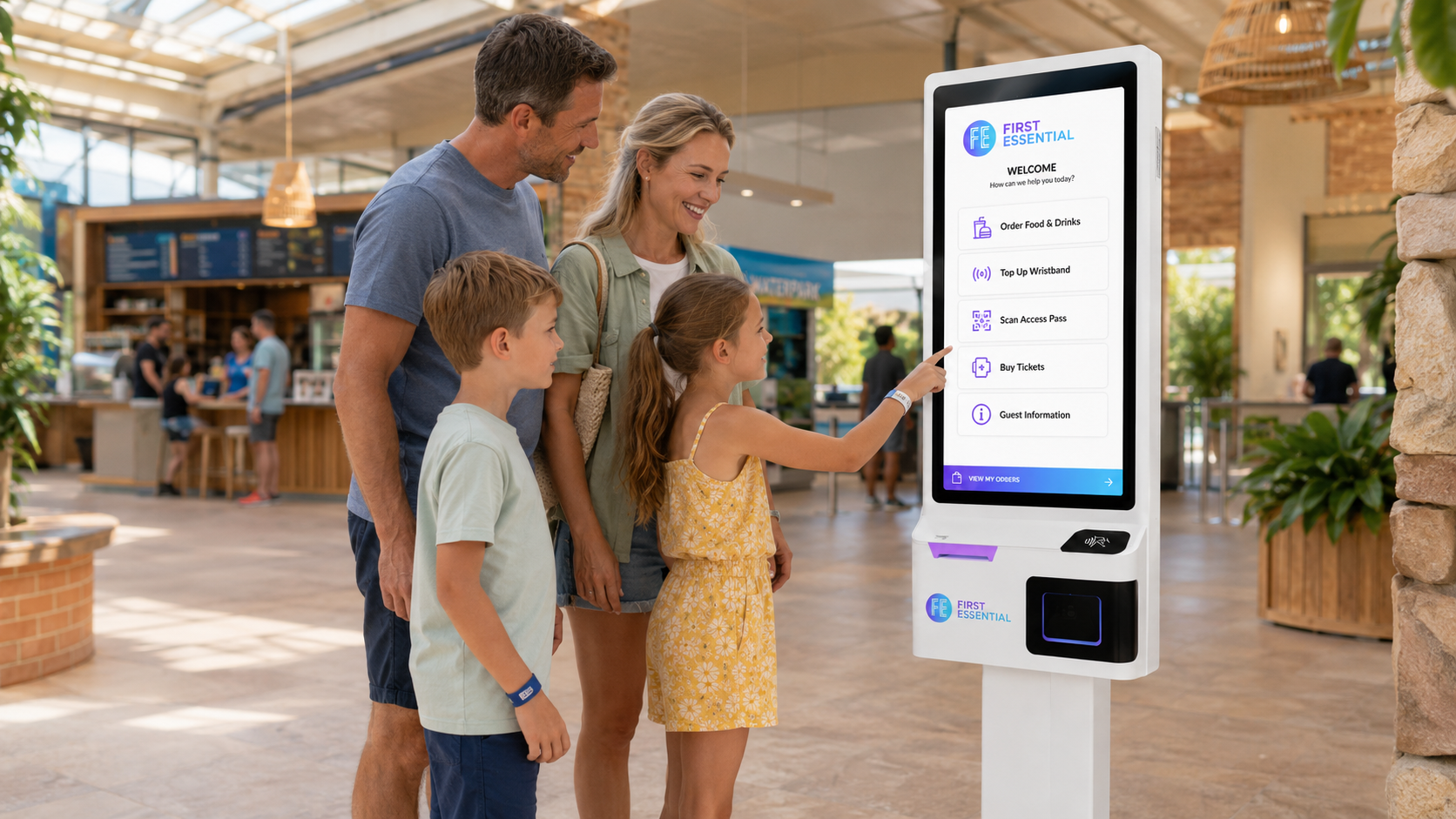
Times, facilities, directions and bookings for guests, day and night.
Customers ask about sizes, products and services and get an answer straight away, without looking for a member of staff.
Arrival, directions and general questions about your practice. Medical questions always go to your team.
Directions, timings and visitor information for busy foyers, exhibitions and events.
AI Kiosk or self-service ordering kiosk?
Both sit on a screen, but they do different jobs.
| Compare | AI Kiosk | Self-service ordering kiosk |
|---|---|---|
| Main job | Greets visitors, answers questions, gives directions and books appointments | Takes orders and card payments |
| How people use it | They talk or tap, in their own language | They tap through a menu and pay |
| Best for | Receptions, clinics, hotels, shops, venues and public services | Restaurants, takeaways, cafés and retail counters |
| Works with | Your information, your calendar and your team, as agreed at setup | First Essential EPOS and kitchen screens |
| More | You are on this page | Self-service kiosks |
Need both? We can plan them together in one consultation.
You stay in control
It answers from the information you give us and approve. When a question is not covered, it is set up to pass it to your team.
You decide which questions always go to a member of staff, such as complaints, payments or anything medical.
Give it any name you like, with your brand's colours and tone, so it feels part of your premises.
How we set it up
We look at your premises, your visitors and the questions your team answers every day.
We load your information and agree the languages, the look and the handover rules. If you take bookings, we connect your calendar.
Your team tries it with real questions before visitors do, and we adjust the answers.
We start in one place, check how it is used and then roll out further. Ongoing support is set out in your quote.
One AI team, five ways to help
Every First Essential AI is set up with your own business information. Use one, or put several to work together.
Which AI fits your business?
Answer three quick questions and we will suggest where to start. If the questions do not load, choose a service above or book a free consultation.
AI Kiosk questions
It is a screen at your premises with an AI assistant on it. It greets visitors, answers their questions by voice or touch and brings in your team when a person is needed. It is set up with your own information.
No. A self-service ordering kiosk takes orders and card payments, for example in a restaurant or takeaway. An AI Kiosk is for visitor questions, directions and bookings. If you need ordering, see our self-service kiosks page, or ask us to plan both together.
It brings in a member of your team. You decide which questions always go to a person, such as complaints, payments or anything medical.
It works in over 100 languages. Tell us which ones your visitors use and we will check them with you during setup.
An AI Kiosk can be part of our Enterprise solutions, or a bespoke project for a single site. Either way it is priced with a tailored written quote that sets out the setup, any hardware, the installation and the ongoing support.
Book a free consultation. We talk through your premises, your visitors and the questions they ask, and plan a rollout in stages.
Let's plan your AI Kiosk
We talk through your premises and your visitors in a free consultation, with no obligation.