

EPOS for phone repair shop owners is useful when it reflects the way a repair actually moves: a customer hands over a device, a technician checks it, parts are allocated, the customer is updated and the item is collected. A normal till can record a sale. It cannot, by itself, make the repair status, customer conversation and stock decision visible to the right person at the right time.
Contents
The real problem is not taking payment
For the sales part of the journey, see how a point-of-sale setup can keep a straightforward counter process clear.
A phone-repair counter has several jobs happening at once. One customer wants a screen repair booked in; another is collecting a device; a technician needs to know whether a part is available; and someone is asking for an update by phone. When these stages live on loose notes, a separate card terminal and somebody’s memory, the shop can lose track of both margin and trust.
The customer sees the symptom first: “you said it would be ready today” or “was the repair approved?” The owner sees it later, when a job sits too long, a part is reordered or a payment cannot be matched to a device. A good system makes the handover traceable without turning a small shop into a call centre.
What EPOS for phone repair shop operations should do
A connected customer record and workflow can make repair notes, updates and collection steps easier to follow.
Create a reliable intake record
At intake, record the customer’s contact route, the device, the reported issue, the visible condition, the estimate or approval status and the promised next action. Keep the description factual. It helps staff continue the job without guessing and helps the business resolve a disagreement without relying on a memory of the counter conversation.
Keep the repair and sale connected
A repair may include labour, a replacement part, an accessory or a deposit. EPOS and point-of-sale software should keep those transactions and the job record close enough that a colleague can explain what has happened. The aim is not to expose every technical detail to the customer; it is to make the next sensible action obvious to staff.
Show stock before promising a completion time
Common parts should be tracked in a way that supports the repair queue. If a part is low, that needs to be visible before a firm collection promise is made. A specialist or unusual part can be ordered, but the job should then show that it is waiting for supply rather than silently disappearing from the counter list.
Map the repair journey before choosing a system
Where the repair path needs a bespoke step, our app and web development guidance explains how to define it before building.
Walk through the last ten jobs. Where did each device come in, where was the condition recorded, who approved the work, how was the customer updated, where did the technician find the part, and how was collection confirmed? This reveals whether the real gap is stock, communication, repair status or payment reconciliation.
For some shops, the right answer is a clear POS workflow and better staff roles. For others, a connected customer record in First Essential One can keep enquiries, follow-ups and appointments alongside the operational work. Do not buy a larger system because a feature list looks impressive. Choose the feature that removes a daily uncertainty.
How the counter should work on a busy day
Compare the counter process with the service routes in our industry guidance before locking the setup in.
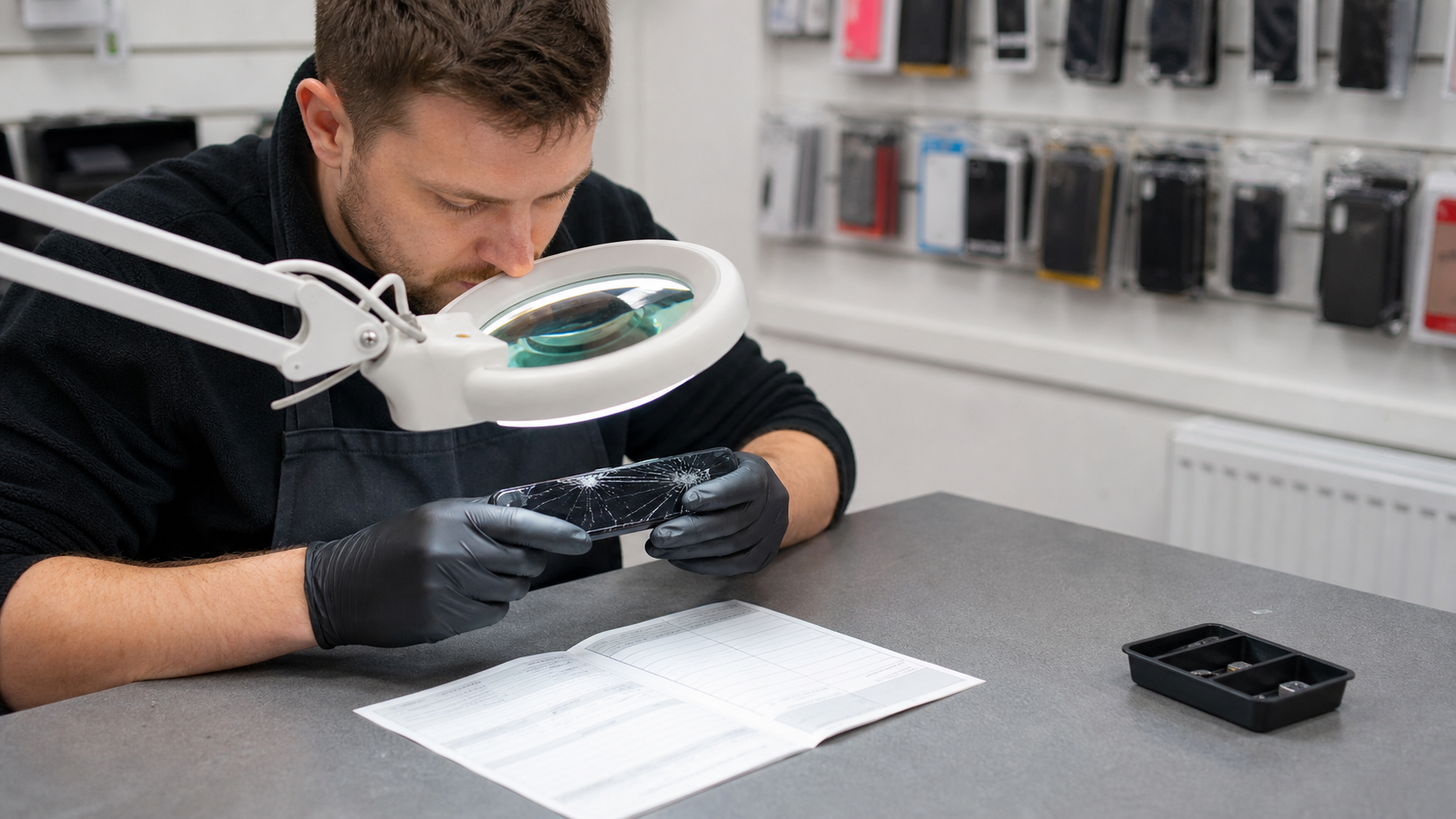
At the counter, the staff member receives the device, confirms the contact details, records the job and gives a realistic next step. In the workshop, a technician changes the status only when the work has genuinely moved: awaiting approval, awaiting part, in repair, ready for collection or completed. At collection, the staff member checks the record, takes the appropriate payment and closes the job.
That sequence is simple, but it protects both sides. Customers receive clearer updates. Staff do not have to open a drawer of handwritten tickets. Owners can see where jobs are stopping rather than discovering the issue only after a complaint.
Compare a basic till with a repair-led setup
Teams running more than one location can also review the practical multi-site EPOS considerations.
| Approach | Works for | Limitation |
|---|---|---|
| Basic sale-only till | Accessories and simple walk-in sales | Repair stages and parts sit elsewhere |
| EPOS with a defined repair workflow | Shops handling regular repairs and collections | Needs disciplined staff updates |
| Connected workflow with customer communications | Busy shops with repeat customers and several staff | Must be configured around the actual repair path |
EPOS for phone repair shop work should make the right route easier, not create screens that nobody uses. Test a normal repair and an awkward one, such as a device waiting on a part, before deciding that the setup is ready.
Stock is part of the customer promise
For routine customer updates outside the counter, an AI assistant can capture details and hand over unusual questions.
Parts stock is not just an inventory issue. It determines whether a customer receives a realistic time and whether a technician can complete a job profitably. Keep fast-moving items separate from special-order parts. Set a sensible review point and make one person responsible for checking received stock against the repair queue.
For a retail counter, it is also useful to separate repair parts from sellable accessories. That gives the team a clearer view of what can be sold today and what must remain available for booked work. If you need a purpose-built stock or repair flow, our custom app and web development service can be scoped around the genuine process rather than a generic template.

Payments and collection without awkward handovers
Examples of operational improvements are collected in our case studies.
When a customer collects a device, staff should be able to confirm the job, explain the completed work and take payment without switching between three separate records. Our card payment solutions are considered as part of that checkout process, including the way the transaction is recorded and later reconciled.
If you choose our EPOS system and POS hardware, a card machine can be included with that package. The condition matters because the value is in the joined-up setup, not a standalone payments claim. We will always show you the option to own a terminal outright from day one.
Card data needs careful handling. The PCI Security Standards Council’s merchant guidance explains why staff should not write down card details or improvise a payment process. Keep the repair record focused on the device and the customer communication, not payment credentials.
Privacy, security and the customer’s device
If you want to test the workflow against your own repair shop, talk to our team before choosing.
A repair shop often receives a device containing personal information. Your staff do not need to browse through that information to assess a cracked screen or replace a charging port. Set a clear process for consent, access, passwords, test data and storage while a device is in your care. The ICO’s guidance on keeping personal data secure is a useful baseline.
The UK government’s data protection guidance and the NCSC’s small business cyber guidance both support the same practical habit: give people only the access they need, remove it when they leave, and make sure the owner can see where customer data is held. For old or replaced devices, follow the relevant route for disposing of electrical equipment.
Common mistakes in a phone repair workflow
- Promising a collection time before checking parts and technician capacity.
- Keeping repair status only in a handwritten notebook or one staff member’s phone.
- Mixing sellable accessories with parts already reserved for a customer job.
- Recording more customer device information than the repair requires.
- Using a payment record as though it were a repair record.
These mistakes are fixable when the process is visible. A good starting point is to agree the handful of job stages every employee uses and the information that must be recorded at each one.

How to roll out a repair-led EPOS process
Do not switch during the busiest weekend. Start with a small set of job statuses, one stock check routine and a short staff guide. Run a handful of real repairs through the new process before relying on it for every collection. Ask the person at the counter and the person repairing devices where they still have to guess.
You can use our case studies to see how systems are planned around different business settings. Our industry pages are also a useful starting point when you need to connect customer service, payments and operational visibility rather than solve only one part of the day.
How to judge whether the setup is working
Look for fewer “where is this job?” questions, fewer missed collection updates, less stock ordered twice and a quicker answer when a customer calls. Do not judge success by how many fields the system contains. Judge it by whether a new colleague can pick up a job without putting the customer on hold.
EPOS for phone repair shop teams is strongest when it supports professional service without making every conversation feel scripted. The final decision should be based on the jobs you really complete, not a demo built around an idealised shop.
Estimates, approvals and returns
EPOS for phone repair shop teams can make the approval point visible. No job moves from assessment to chargeable work until the agreed route is recorded. That protects customers from surprises and staff from relying on a memory of the counter conversation. Government consumer protection guidance is useful wider reading on clear information. A connected intake process captures essential facts without slowing a busy counter.
EPOS for phone repair shop operations should give the team a factual record: condition at intake, parts fitted, approval, communication and collection. Citizens Advice outlines useful considerations when a purchase goes wrong. The best test of EPOS for phone repair shop processes is whether a trained colleague can receive a device, locate a job and give the customer the next step.
Train the counter team around real repair scenarios
Use actual scenarios in training: a device awaiting a part, a customer asking for an update, an approved repair, a declined estimate and a collection where the customer has a question. EPOS for phone repair shop teams should give a consistent answer in each case. Staff need to know who owns the next action, not just which button to press.
EPOS for phone repair shop work improves when the manager reviews a few completed jobs each week. Look for missing condition notes, unclear approval, stock not allocated or a collection that took too long. This is not fault finding. It is a way to improve the counter process before a customer experiences the gap. The NCSC small business guide is a useful reminder to review staff access at the same time.
EPOS for phone repair shop operations should make a busy day more predictable: staff can see the next job, customers receive an accurate update and the owner can identify where the queue is forming.
Finally, ask staff to process one ordinary repair without help from the owner. If they can receive it, update it, find the status and explain collection clearly, the workflow is doing its real job.
Key takeaways
- Record the repair journey, not just the sale.
- Connect parts availability to realistic customer promises.
- Keep collection, payment and job status easy for staff to trace.
- Protect customer data on devices with a clear, limited-access process.
- Test real repair jobs before changing the whole counter.
Frequently asked questions about EPOS for phone repair shop owners
Do phone repair shops need an EPOS system?
A small shop may start with a basic till, but regular repairs usually need clearer job, parts and collection visibility than a sale-only setup provides.
Can an EPOS system track repair parts?
It can support stock visibility when the process is configured so parts are allocated to the correct repair rather than treated as a general sale.
What should staff record at device intake?
Record the device, reported issue, visible condition, contact route, approval status and next agreed step. Keep the record factual and relevant.
How should we handle customer data on a repaired phone?
Use only the access needed for the repair, set a clear staff process and follow data-protection guidance for personal information.
Can a card machine be included with an EPOS setup?
It can be included when the customer takes our EPOS system and POS hardware together; discuss the practical setup before choosing.
Ready to make repair jobs easier to track?
We can help map the counter, workshop, stock and collection journey before recommending a sensible setup.