

The Essential Guide: Connecting Your Till to Your Accounts
The businesses that get the most value from epos accounting integration uk setups aren't the largest ones — they're the ones that were previously typing the same sales figure into two different places every single day. Connecting the till to the books doesn't just save time. It removes an entire category of small, cumulative mistakes that build up unnoticed over a year.
Contents
Epos accounting integration uk: what actually connects to what
At its simplest, sales data from the till flows automatically into accounting software — daily totals, VAT breakdowns, payment methods — instead of someone manually transcribing a Z-report into a spreadsheet every evening.
The word "integration" gets used loosely in this market. A genuine connection updates automatically; many products marketed as integrated actually mean a manual export you still have to import yourself, which barely improves on typing the numbers in by hand.
Why this matters more than it sounds
Manual re-entry isn't just slow. It's where genuine errors creep in — a mistyped figure, a missed day, a VAT rate applied incorrectly. Those small mistakes compound over a full trading year in ways that are hard to spot until an accountant finds them.
The real cost isn't the time itself, though that adds up too — it's the confidence gap. A business owner working from numbers they don't fully trust makes worse decisions than one working from a clean, current picture.
How it actually works day to day
A well-connected till posts sales, refunds and VAT totals to the accounting software automatically, usually daily or in real time. The books stay current without anyone opening a second application at the end of a long shift.
For a genuinely busy business, that daily automatic posting is the difference between reconciling a handful of figures at month end and reconstructing an entire month's trading from memory and paper receipts.
Making Tax Digital and why this connection matters more now
Under Making Tax Digital, VAT-registered businesses must keep digital records and file through compatible software — a till that doesn't connect to your books forces a manual step back into a process the rules are specifically designed to remove. The GOV.UK guidance on Making Tax Digital for VAT sets out exactly what "digital records" needs to mean in practice.
The direction of travel is clear: digital record-keeping is becoming the baseline expectation, not an optional upgrade. A business that connects its till to its books now is simply ahead of a requirement that's steadily tightening for everyone else.
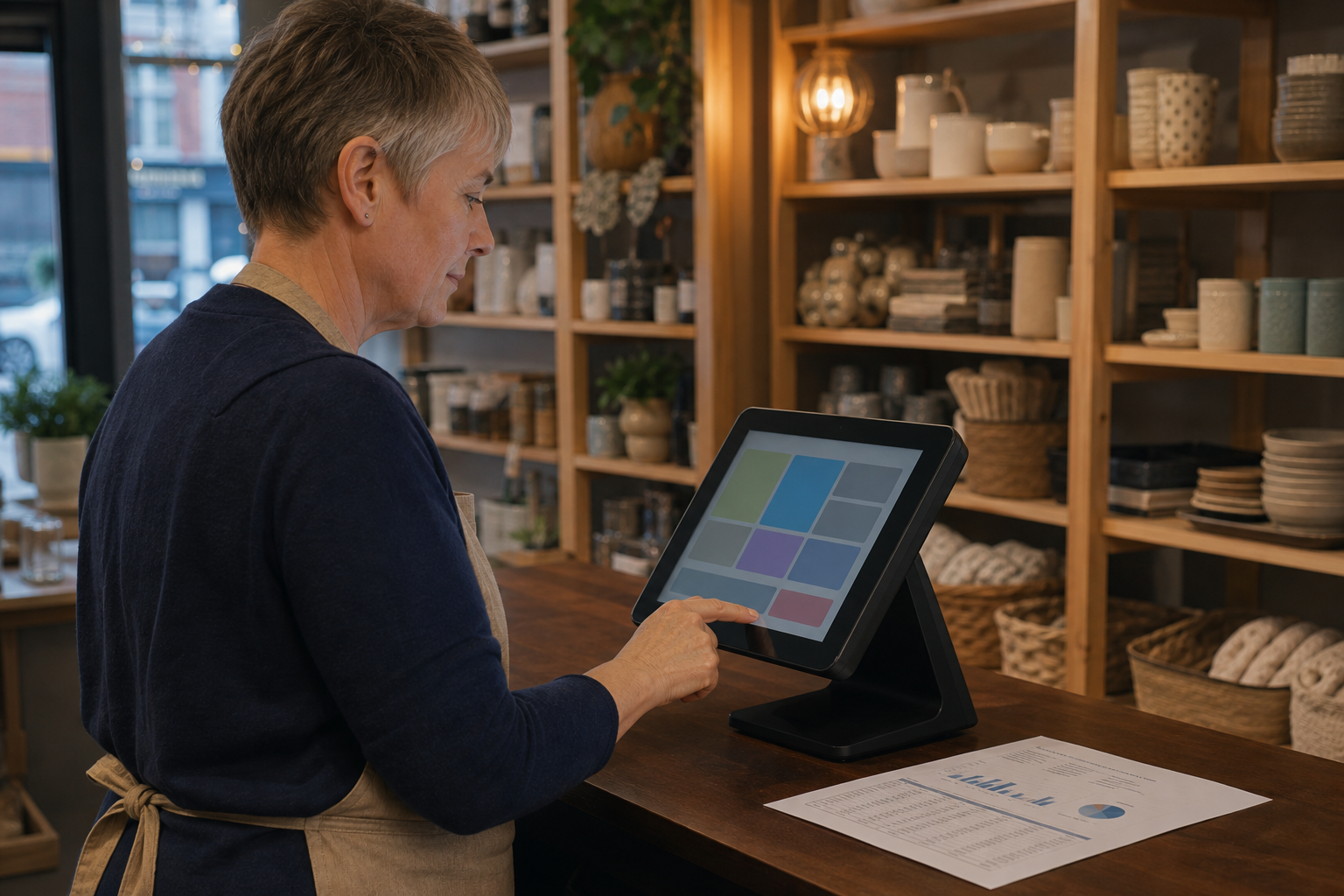
Manual reconciliation vs connected accounting, compared
| Approach | Time cost | Risk |
|---|---|---|
| Manual entry from till reports | 15-30 minutes daily, more at month end | Transcription errors, missed days |
| Partial export, manual import | Less daily time, still needs checking | Format mismatches, delayed reconciliation |
| Fully connected EPOS and accounts | Minutes to review, not re-enter | Requires proper initial setup and checking |
What to check before setting this up
Work through these five checks before assuming any provider's "integration" claim means what you'd expect.
- Does your till connect directly to your specific accounting software, or only via a manual export?
- Does VAT get broken down correctly and automatically, matching your actual rates?
- How are refunds and voids handled — do they reconcile cleanly, or need manual adjustment?
- What happens if the connection fails for a day — is there a clear way to catch it?
- Who checks the reconciliation regularly, and how quickly are mismatches spotted?
How this connects to the rest of your setup
A till rarely stands alone — EPOS, card payments and your wider business platform all feed the same underlying picture of the business. The more of these connect properly, the less manual reconciliation anyone has to do at month end.
The same logic applies to online sales — if your website takes orders or bookings, that revenue should flow into the same accounting picture as till sales, not sit in a separate, disconnected report someone has to combine by hand.
What proper integration actually costs
Cost depends on which accounting package you use and how much of the connection is genuinely automatic versus semi-manual. We build this around your existing accounts setup rather than asking you to change accountants to get it working.
Weigh any cost against the time it genuinely saves each month — for a business currently spending real hours on manual reconciliation, a modest ongoing cost is usually recovered many times over.
Where card payments are part of the picture, the same FCA guidance on payment service providers and PCI Security Standards Council rules apply to how that transaction data is handled end to end.

Common mistakes when connecting a till to your books
Most epos accounting integration uk problems trace back to one of these five avoidable mistakes.
- Assuming a connection is fully automatic without checking it during a genuinely busy week.
- Not verifying VAT rates map correctly before relying on the feed for a real return.
- Leaving refunds and voids to reconcile manually because they were never properly configured.
- Setting it up once and never checking it's still working correctly months later.
- Choosing accounting software that doesn't actually integrate well with your specific till.
- Trusting a "connected" label without confirming what actually flows automatically versus manually.
Signs your current setup needs this
- Someone spends real time each week manually re-entering sales figures from a printed report.
- Month-end reconciliation regularly takes longer than it reasonably should.
- Small discrepancies between till totals and the books turn up repeatedly, never quite explained.
- Your accountant has flagged manual entry as a source of recurring errors.
- Nobody in the business can say, without checking, how current the books actually are today.
Protecting financial data through the connection
Financial and customer data moving between systems needs the same care as anywhere else — the UK GDPR and Data Protection Act 2018 apply, and the NCSC's small organisations guide covers the account security both systems depend on.
Epos accounting integration uk by business type
Sole traders
Time saved matters most here — reviewing your own position as a self-employed owner, every hour not spent on manual reconciliation is an hour back in the business itself. With nobody else to delegate bookkeeping to, this is often where a proper connection pays for itself fastest.
Small teams with a bookkeeper
A clean connection makes a bookkeeper's job faster and cheaper, since less of their time goes into chasing discrepancies. That saved time usually shows up directly in a lower bookkeeping bill, not just a vague sense of things running more smoothly.
Multi-site businesses
Consolidated reporting across every location matters more here — a connected multi-site system avoids reconciling each site separately every month. Different sectors reconcile differently too — hospitality with high transaction volume and frequent refunds needs a tighter connection than a low-volume service business.
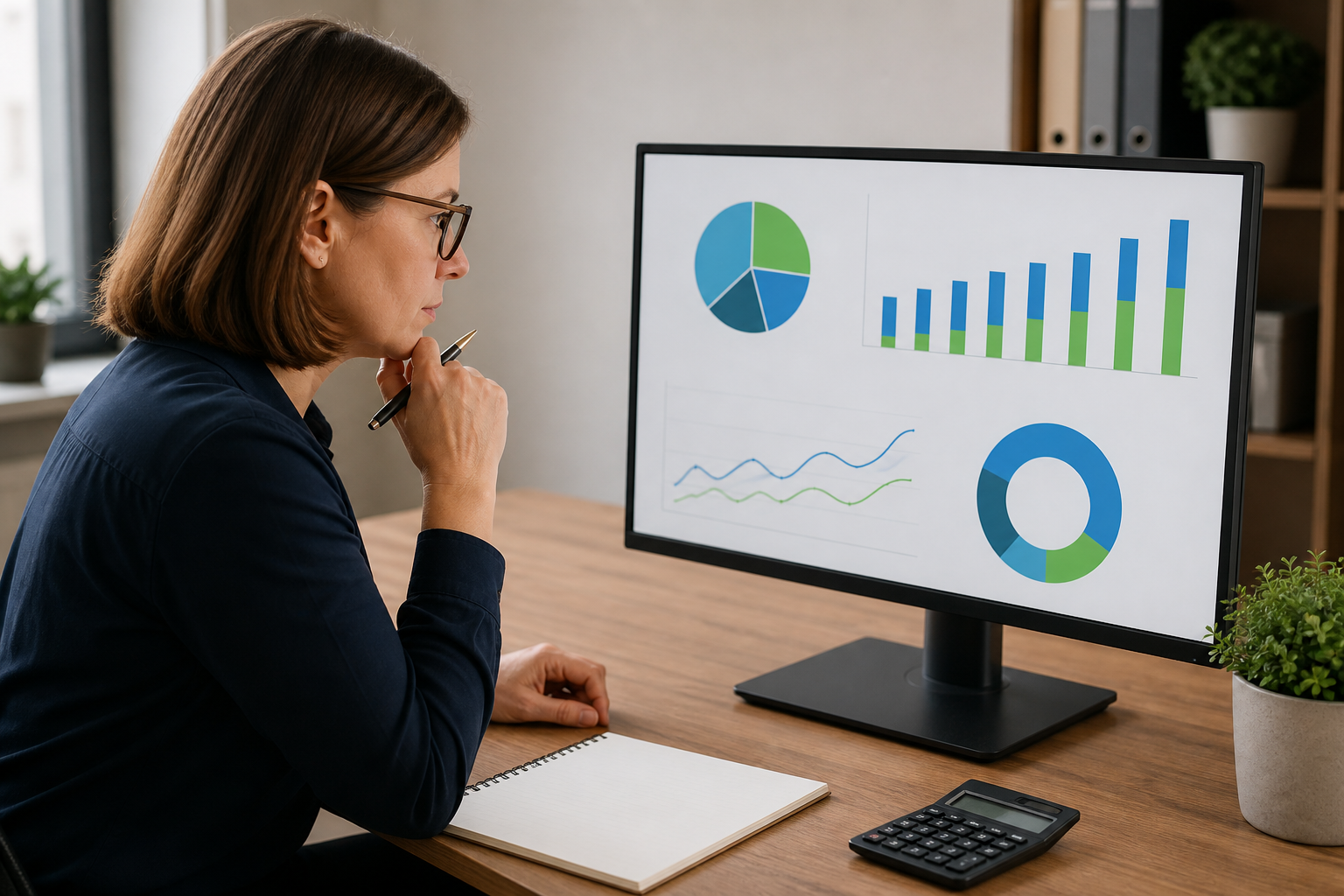
Planning the connection properly
Getting epos accounting integration uk right the first time takes a short, deliberate sequence rather than switching everything on at once.
- Confirm exactly which accounting package the till needs to connect to.
- Test the connection for a full week before relying on it for a real VAT return.
- Check VAT rates and refund handling specifically, not just headline sales totals.
- Review it with your accountant or bookkeeper before treating it as fully trusted.
Under the general consumer protection rights that apply to any UK sale, how you record a transaction internally doesn't change what a customer is entitled to — but accurate records make resolving any dispute far easier.
How to judge whether it's actually working
Track how long monthly reconciliation genuinely takes, and whether discrepancies are shrinking over time. A quick check of the Companies House register for any new software provider is worth doing before connecting financial data to a service you haven't used before.
Give it a full VAT quarter before judging fully — one month rarely surfaces every edge case a genuine reconciliation cycle will eventually hit.
Questions worth asking a provider
Ask specifically which accounting packages are natively supported, not just theoretically compatible. Ask to see the actual reconciliation report a real customer receives, not a marketing screenshot built to look tidy.
Some of our published case studies and our insights hub cover this kind of integration in more detail — talk to our UK team if it's easier to walk through your current setup directly.
Check the accounting handover
Before connecting a till to accounts, agree what each total means and who investigates a difference. Test a normal day, a refund and a payment that is delayed or corrected. The accountant needs consistent records; the owner needs an explanation that matches the trading day. Keep the exception route simple so it is followed when the shop is busy.
Review the first reports together. Check sales totals, tax treatment, payment references and cash movements against the source records. If staff have to export, rename and re-enter the same information, the connection is not yet solving the real problem.
Agree what the numbers should reconcile to
Before connecting EPOS to accounts, decide what an ordinary day should show in both places. Sales, refunds, cash, card transactions, discounts and taxes may appear at different stages, so the owner and accountant should agree the reference point used for comparison. A difference is not automatically an error, but it must have an identifiable explanation.
Create a short end-of-day routine: confirm the closing report, note any exception, store the supporting record and send the information through the agreed route. This protects the team from rebuilding a week of transactions later and makes the next accounting review quicker and calmer.
Keep the accounting review human
Technology can prepare the figures, but someone still needs to understand the business events behind them. Give the owner or bookkeeper a short weekly review point to ask what changed, which exception needs evidence and whether staff need a clearer instruction. That conversation prevents the accounts connection becoming a black box.
Keep sales corrections traceable
Small differences between the till and the accounts are often caused by ordinary events: a refund, a cancelled item, a late card settlement or a correction made after closing time. Set a simple rule for how staff record each exception and where the supporting note lives. The person reviewing the accounts should be able to trace a difference back to a real transaction without asking several people what happened.
That is especially useful when the business is busy. A clear correction routine protects staff as well as the owner: it shows that a difference was investigated instead of leaving someone to remember it days later. Use the same headings in the till note, the daily report and the accounting handover so the evidence follows the transaction.
In day-to-day terms, epos accounting integration uk should solve a real operational problem rather than add another feature for the team to manage.
Before deciding, test epos accounting integration uk against a normal busy day and the exceptions that make work harder.
Key takeaways
- Epos accounting integration uk setups remove manual re-entry and the errors that come with it.
- Not every product marketed as "integrated" actually connects automatically — check what genuinely flows without manual work.
- Making Tax Digital makes a proper digital connection more relevant, not less.
- Test VAT handling and refund reconciliation specifically before fully trusting any connection.
- Review the setup with your accountant, not just your till provider.
Frequently asked questions about epos accounting integration uk
Will this work with my existing accounting software?
Most modern EPOS systems connect to major UK accounting packages — check native support specifically rather than assuming a generic export counts as integration. This is exactly the kind of epos accounting integration uk question worth asking before, not after, you sign anything.
Does this replace the need for a bookkeeper or accountant?
No — it reduces manual data entry, but professional review and judgement still matter, particularly around VAT and year-end accounts.
Is this only worth it for VAT-registered businesses?
No — the time saved on manual reconciliation benefits any business, though the Making Tax Digital requirement makes it especially relevant for VAT-registered ones.
What happens if the till and accounts fall out of sync?
A well-configured connection flags this quickly — check how visible sync errors actually are before relying on the system fully, and confirm someone actually checks that flag regularly.
How long does it take to set up epos accounting integration uk properly?
Initial setup is usually quick, but a proper first reconciliation cycle — checking VAT rates, refunds and voids all flow correctly — is worth a full month before fully trusting it.
Ready to stop manually re-entering your sales figures?
We can review your current till and accounting setup and show you what actually connects.