 First Essential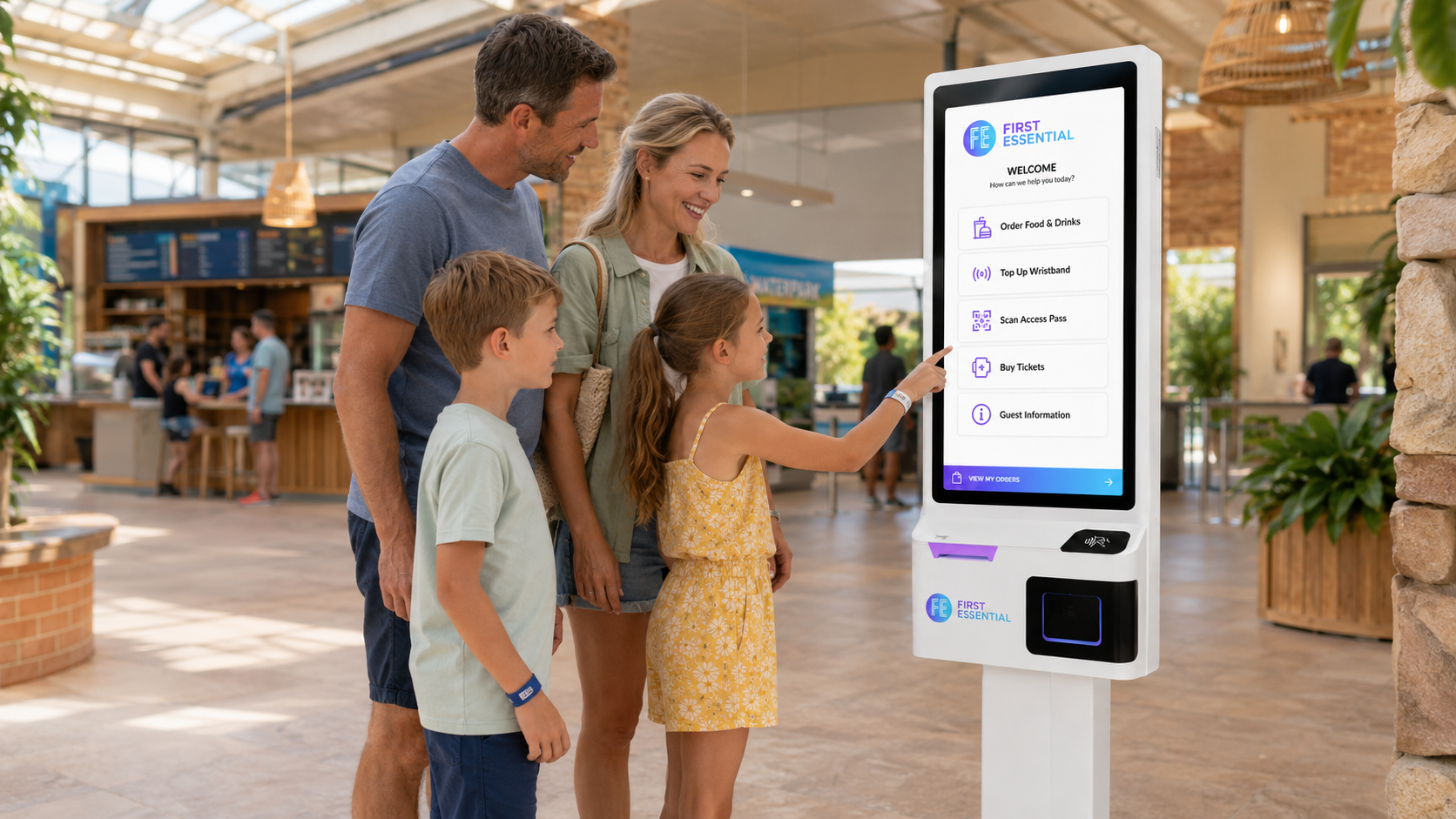
Self-service kiosks UK businesses use to grow every order
Let customers browse, order and pay for themselves on self-service kiosks built for UK hospitality and retail. They plug straight into your EPOS, and there are real people in the UK to call if you need a hand.
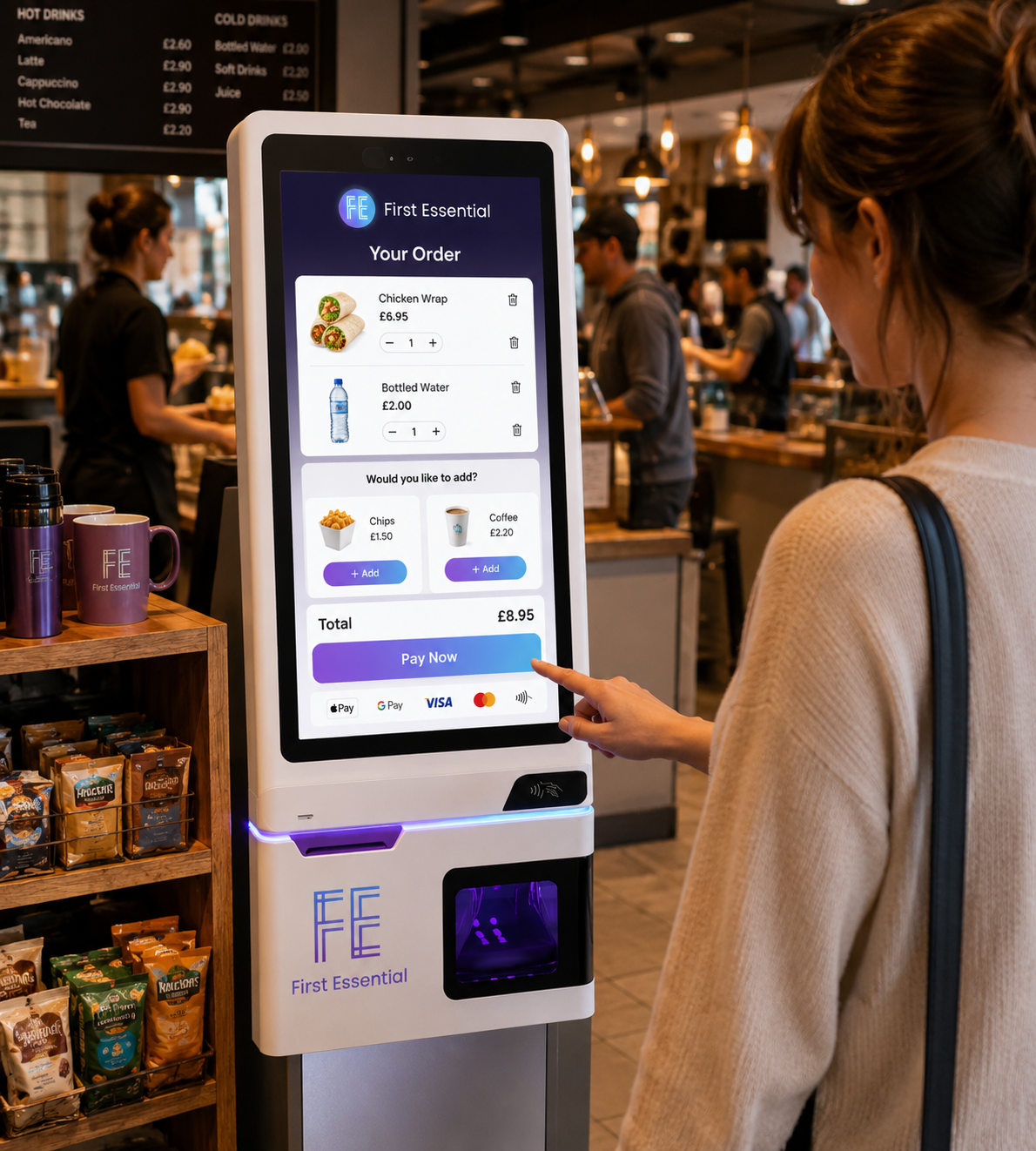
More orders, less queueing, happier customers
These are the self-service kiosks UK cafes, takeaways and shops rely on to take the pressure off the counter, so your team can get on with serving. They are a simple way to handle more customers without putting on extra staff, and there is real support on hand if you need it.
What is a self-service ordering kiosk, and how does a self-order till work?
A self-service ordering kiosk (sometimes called a self-order kiosk, self-checkout kiosk or self-order till) is a touch screen terminal that lets your customers browse the menu, choose what they want and pay for themselves. No queueing at the counter, and no staff member tied up taking the order.
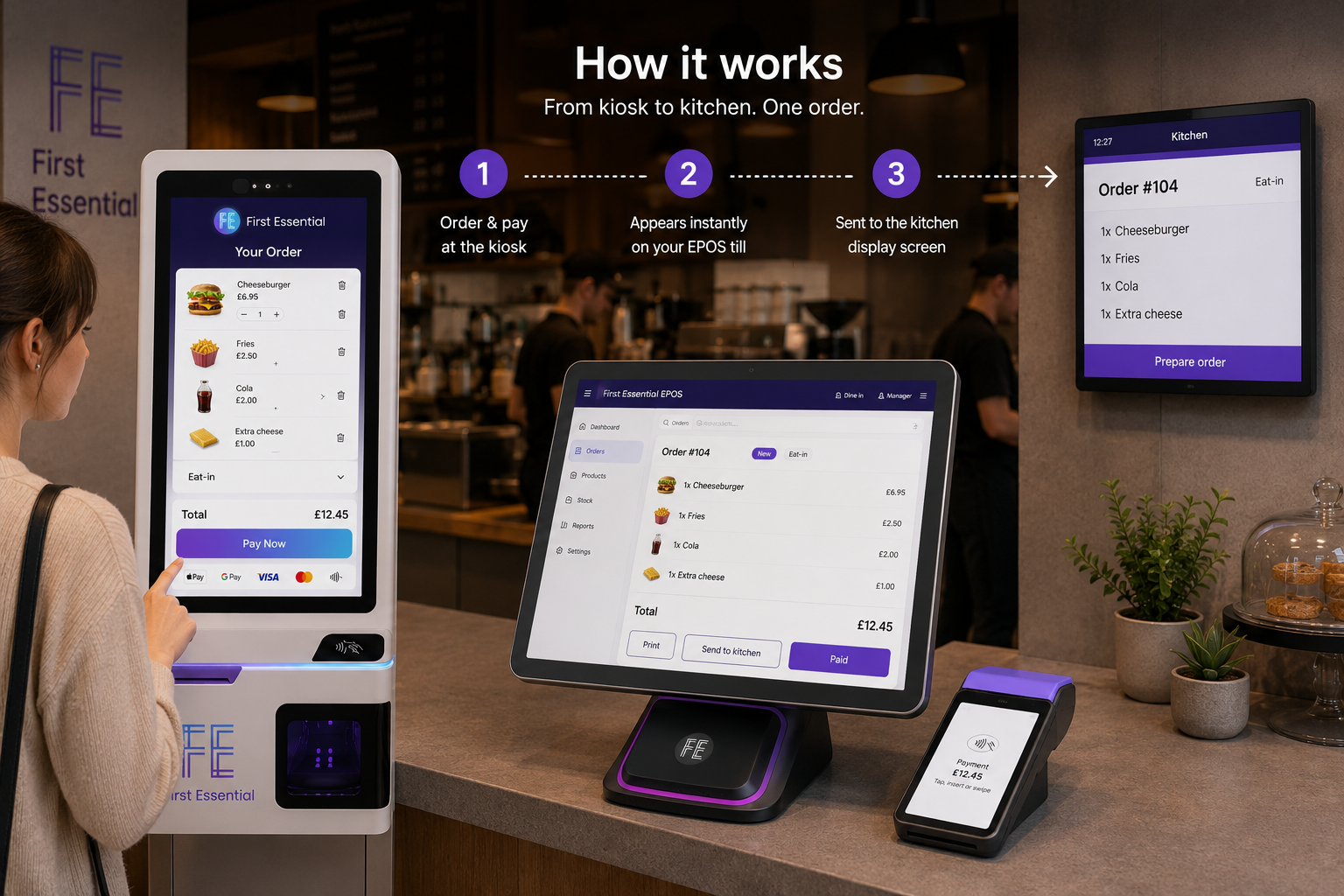
Here is what happens on every order. The customer taps to start, the kiosk shows your menu pulled live from your EPOS, they add items and any extras, then they pay by card right there. The order drops straight onto your till and, if you run a kitchen, onto your kitchen display screen. No double entry, no shouting tickets across the floor.
What a self-service kiosk does for your business
From the first tap to the final card payment, here is what these self-service kiosks UK businesses use do to lift sales and keep service running smoothly.
Stylish and compact
Sleek hardware that looks at home in any space, from cafes to busy takeaways.
Learn moreBigger average order value
Smart prompts and upsells encourage customers to add a little more to every order.
Learn moreCut down costs
Free your team from taking orders so they can serve more customers in less time.
Learn moreEasy EPOS integration
Your menu syncs automatically and orders flow straight into your existing till system.
Learn moreCard and contactless payments
Card reader built in, so customers pay by contactless, chip and PIN or mobile wallet right at the screen.
Learn moreKeep customers updated
Customers see where their order is from the moment they tap to confirm, so the wait feels shorter and nobody is left wondering.
Learn moreSecure by design
Every order and card payment is encrypted end to end, so you and your customers are covered on every tap.
Learn moreEasy for everyone
Large, high-contrast buttons and clear prompts mean customers of all ages can order with confidence.
Learn moreSelf-order kiosks for restaurants, takeaways, retail and venues
Different counters, same win. Pick the setting that looks like yours and see how self-service kiosks UK operators use would fit.
Quick-service and restaurants
Take more orders at peak without more staff on the till. Diners customise their meal at their own pace, and the kitchen gets a clean ticket every time.
For hospitalityTakeaways and cafes
Clear the lunchtime rush. Customers order and pay at the kiosk while your team plates up, so the queue keeps moving and orders are accurate.
For takeawaysRetail and convenience
A self-checkout kiosk lets shoppers scan, bag and pay themselves, so a single member of staff can oversee several lanes.
For retailVenues and events
Bars, stadiums and pop-ups move queues fast with unattended card payments and on-screen ordering, even on a busy night.
All sectorsMulti-site operators
Run one menu across every kiosk and till. Change a price once and it updates everywhere, with reporting in one place.
EPOS and tillsNot sure which fits?
Tell us about your space and how you serve, and a UK adviser will recommend the right kiosk and stand. No pressure, no jargon.
Ask a humanSet up your self-service ordering kiosk in three taps
No engineers, no waiting around. Get one of our self-service kiosks UK businesses trust live in minutes, with UK support on hand if you need it.
1. Open My Hub
Tap the Kiosk icon to open My Hub and start the quick setup.
2. Sign in securely
Enter your registered mobile number and the one-time passcode we send you.
3. Menu syncs, ready to go
Your menu syncs automatically and your kiosk is ready to take orders.
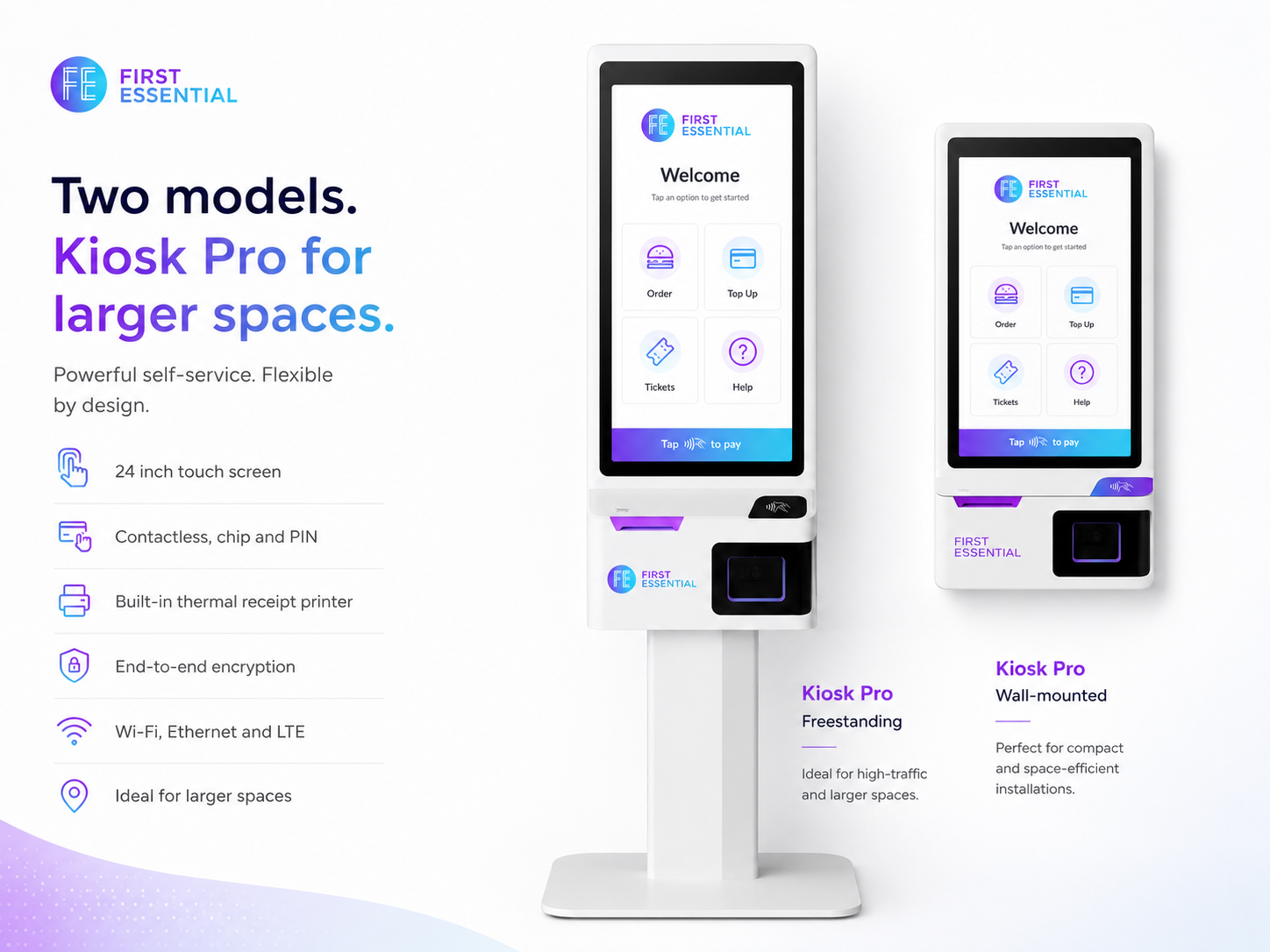
Kiosk Pro for larger spaces
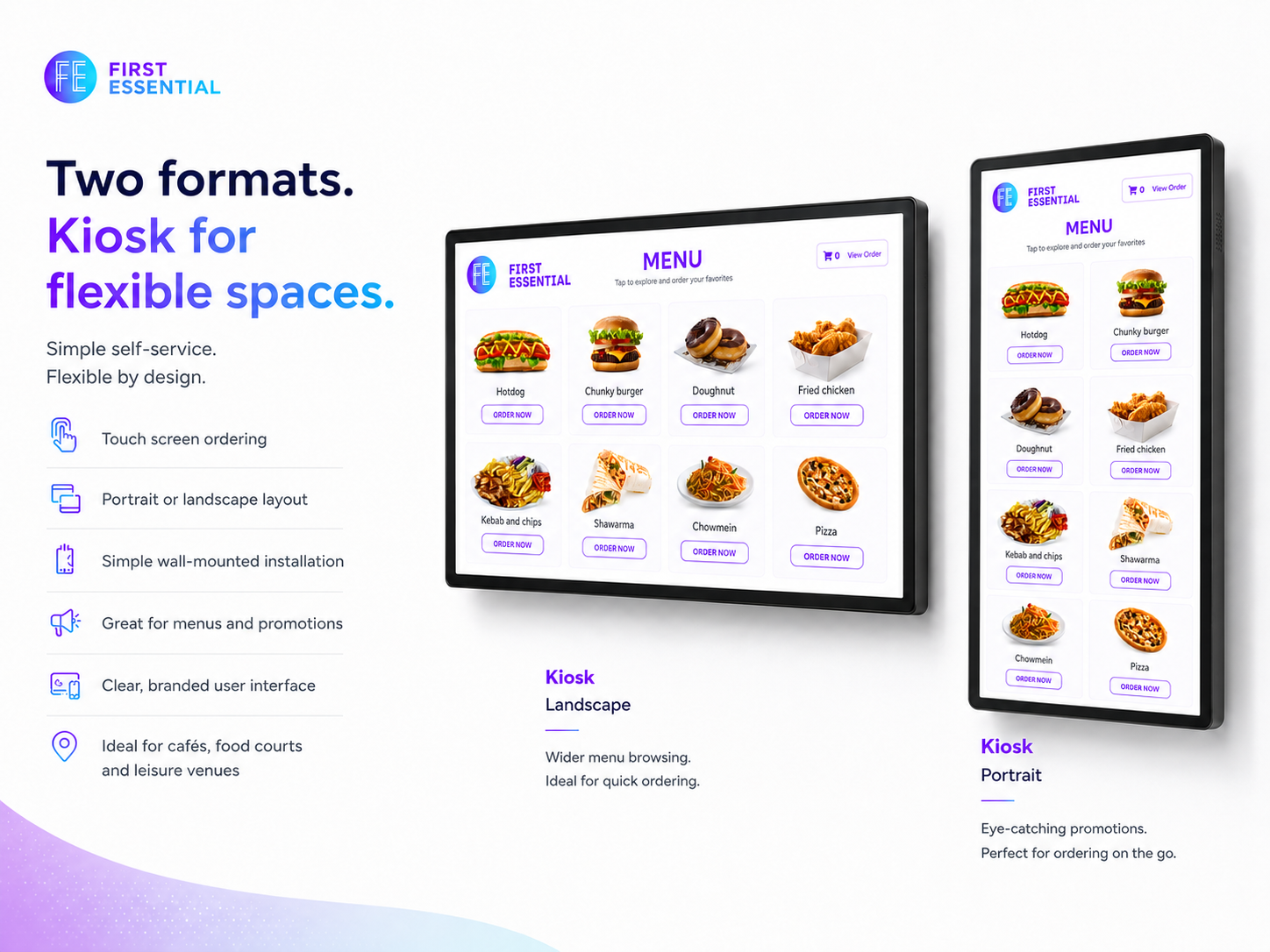
The biggest of our self-service kiosks UK venues use, made for larger spaces. The roomy touch screen and built-in receipt printer keep queues moving during busy periods.
Kiosk Lite for smaller spaces
One of our self-service kiosks UK shops use even in tight spaces: a big screen that still tucks into smaller counters, with everything you need built in.
Pick the self-order kiosk that fits your space
From full floor-standing units to a neat tap-to-pay kiosk, there is a self-service ordering option for every counter.
 Kiosk Pro with Floor Stand£1,290.00
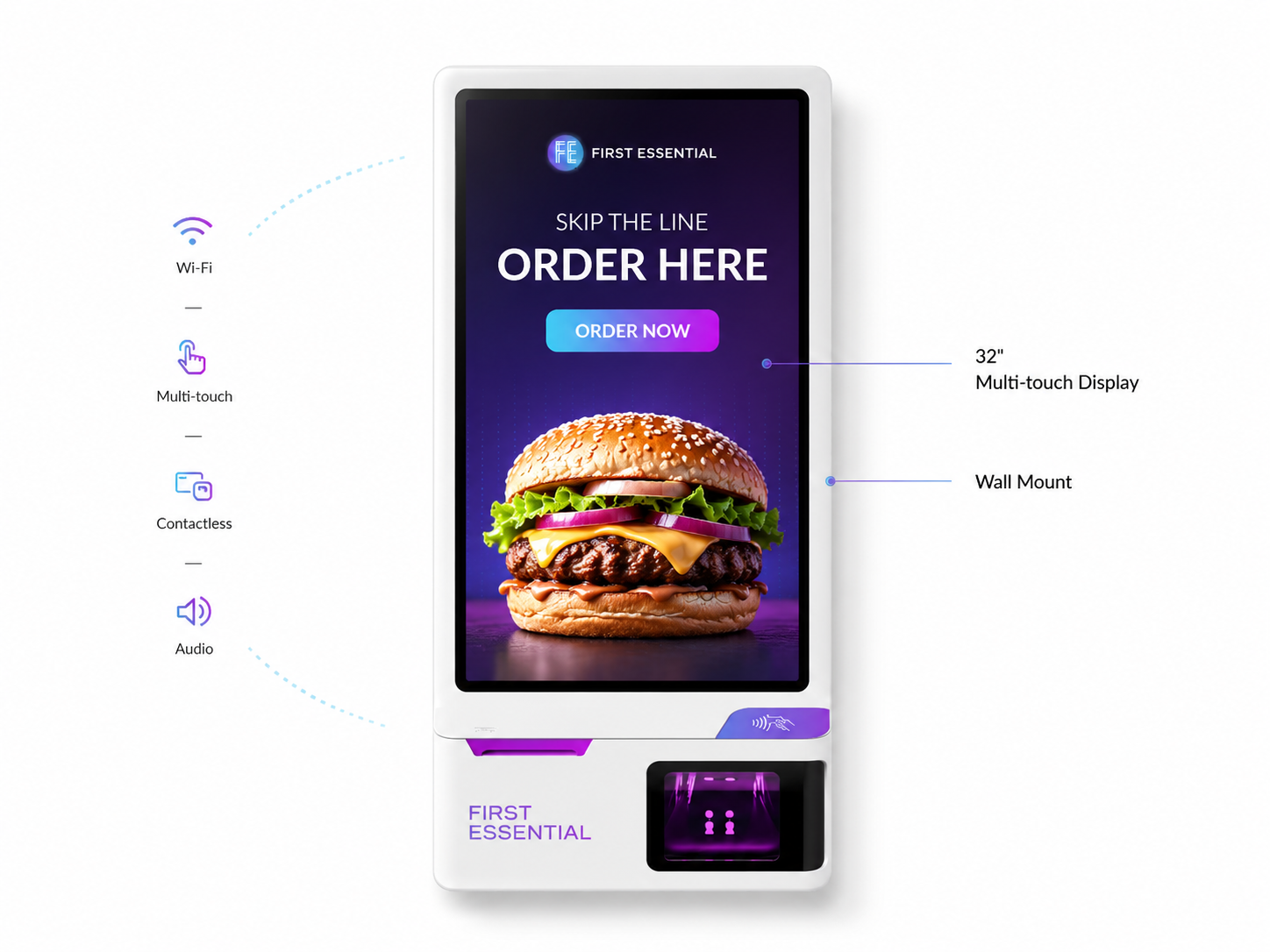 Kiosk Pro Essential£1,090.00
 Kiosk Frame Lite£795.50
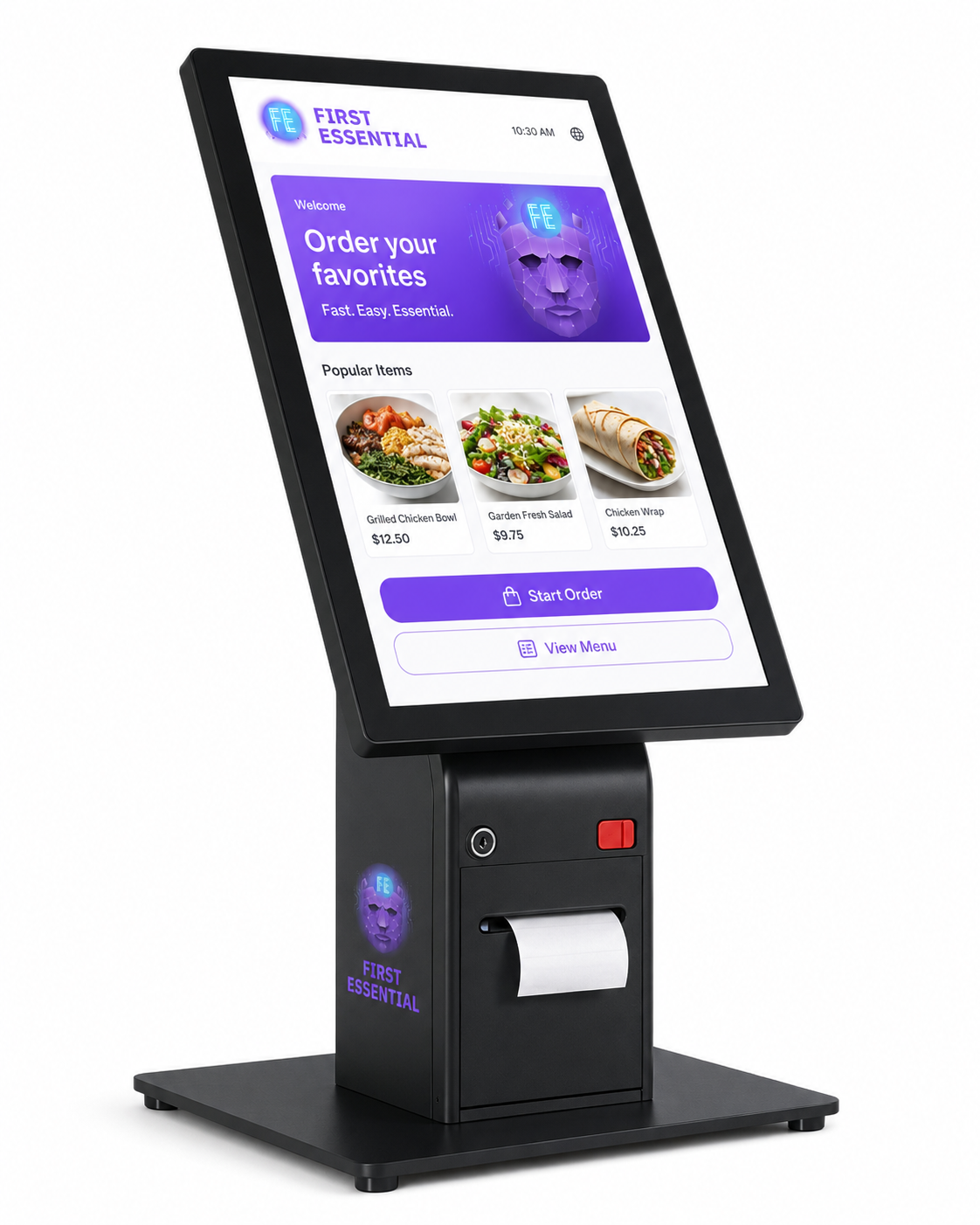 First Tap to Pay Kiosk£899.50
What self-service kiosks UK businesses actually pay
No hidden setup fees buried in the small print for these self-service kiosks UK businesses buy. Here is the straight version, and how we compare with the way some providers quote.
| What you want to know | First Essential | Some other providers |
|---|---|---|
| Hardware price | A clear written quote for the model and stand you choose, with no hidden setup fees | Often "price on application" until you give your details |
| Card payment rates | Structured around your business (rates vary by card type and business, confirmed at setup), no surprise add-ons | Headline rate, then extra non-transaction fees |
| EPOS and kitchen screen link | Built in. Kiosk, EPOS till and kitchen display from one supplier | Often a separate integration or third-party charge |
| Contract lock-in | We explain the terms in plain English before you commit | Long tie-ins are common, sometimes auto-renewing |
| Support | Real UK-based people, Monday to Friday, 08:00 to 18:00 | Offshore queues or email-only on some plans |
We never name a competitor or invent their figures. The right-hand column describes patterns we see across the market, not a specific company. For your exact price, including the card machine included when you take EPOS, ask for a no-obligation quote and we will put it in writing.
Self-service kiosks UK: what is always included
No tricks, no padding. Here is what you can count on whichever kiosk you choose.
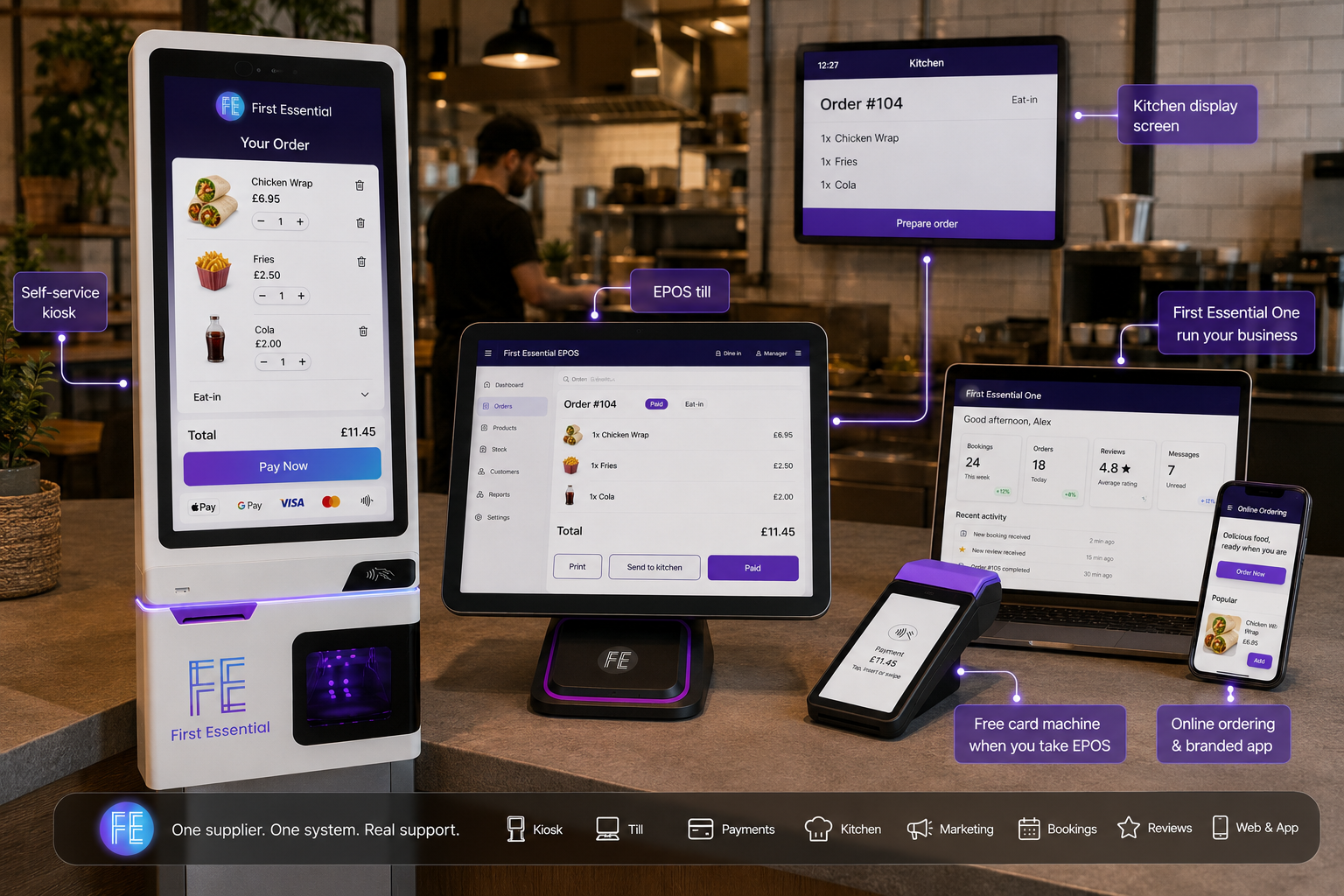
One supplier for kiosk, till, card payments and kitchen screen
Most kiosk sellers stop at the hardware. We do the whole counter. Your self-service kiosk, your EPOS till, your card payments and your kitchen display all come from one UK team, so there is one number to ring when you need something.
Self-service kiosk questions, answered honestly
What are self-service ordering kiosks and how do they work?
How much does a self-service kiosk cost in the UK?
Do kiosks integrate with my EPOS till and kitchen display screen?
What payment types do self-service kiosks take?
Is there a long contract or lock-in, and what about switching?
How quickly does the money reach my bank, and is it secure?
How long does it take to set up, and do kiosks really cut queues?
Cut the queue, grow the order
Book a free, no-obligation demo and we will show you how self-service kiosks UK businesses trust can fit yours. Real UK people, plain answers, no pressure.
Book a free demo Talk to a UK expert